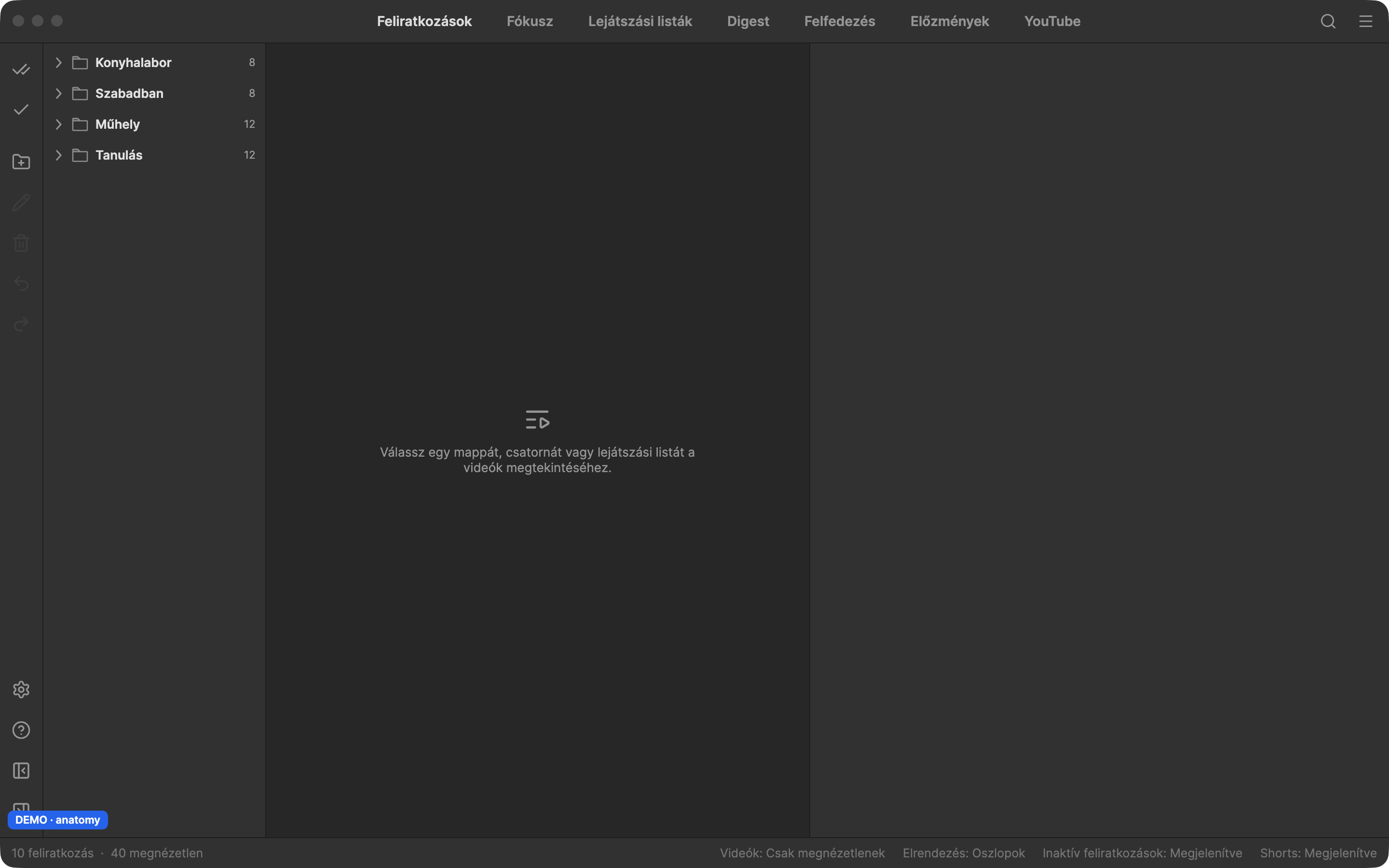
Subscriptions
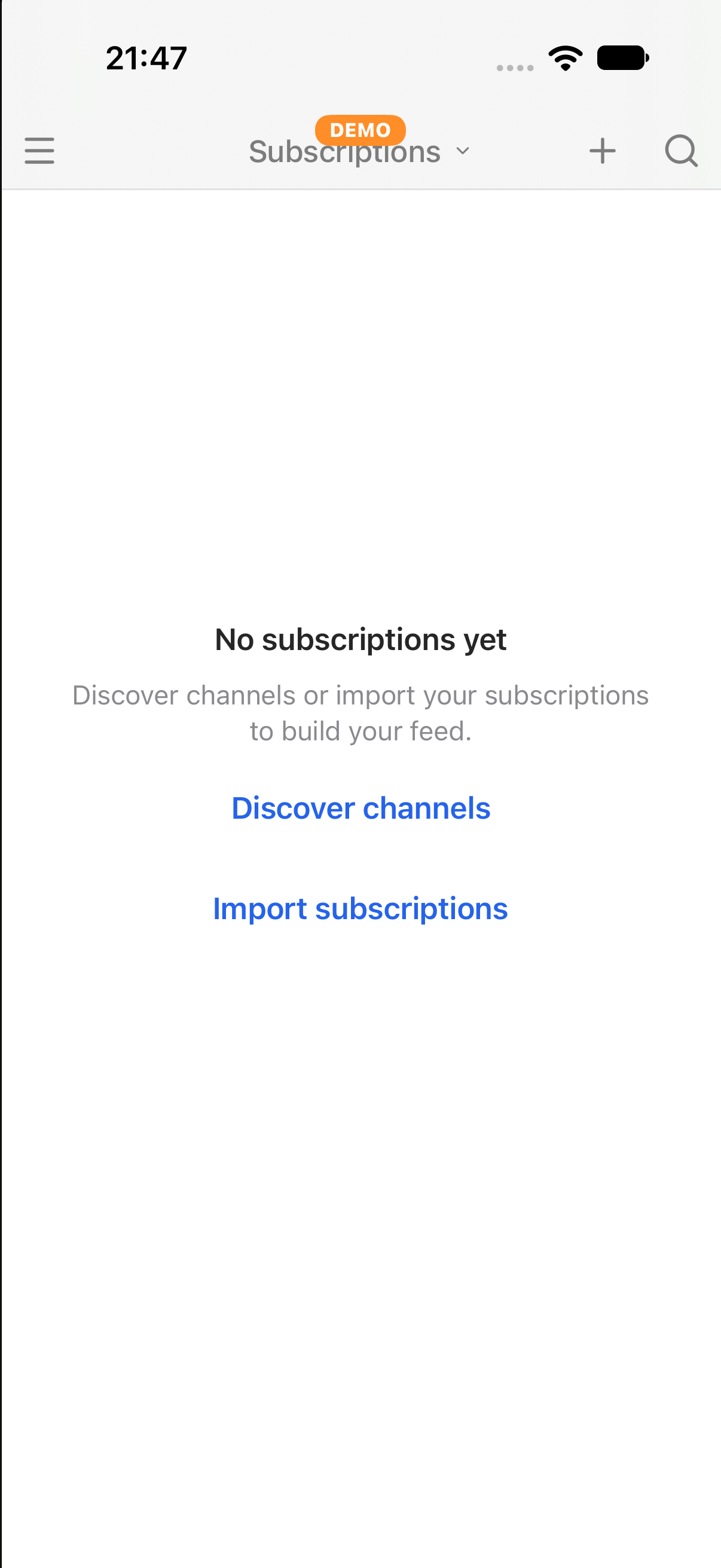
The channels you follow, grouped in folders. Pick a channel or folder to see its videos.
The screens of the app (Desktop, Apple, Android), captured from its demo build. Generated 2026-10-31. Click a screen to see it larger.
The channels you follow, grouped in folders. Pick a channel or folder to see its videos.
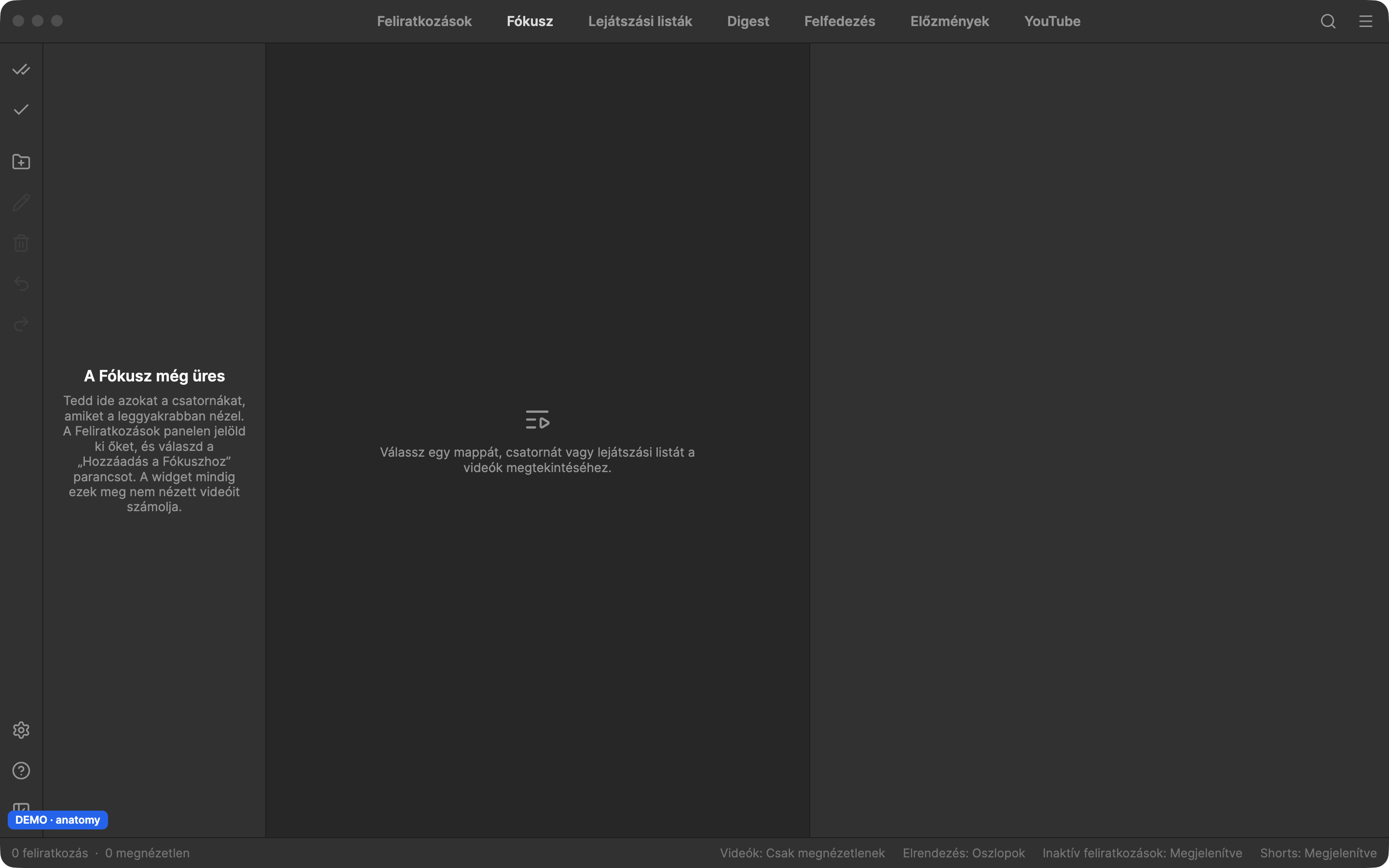
The few channels you watch most. Add them from Subscriptions; the widget counts their unwatched videos.
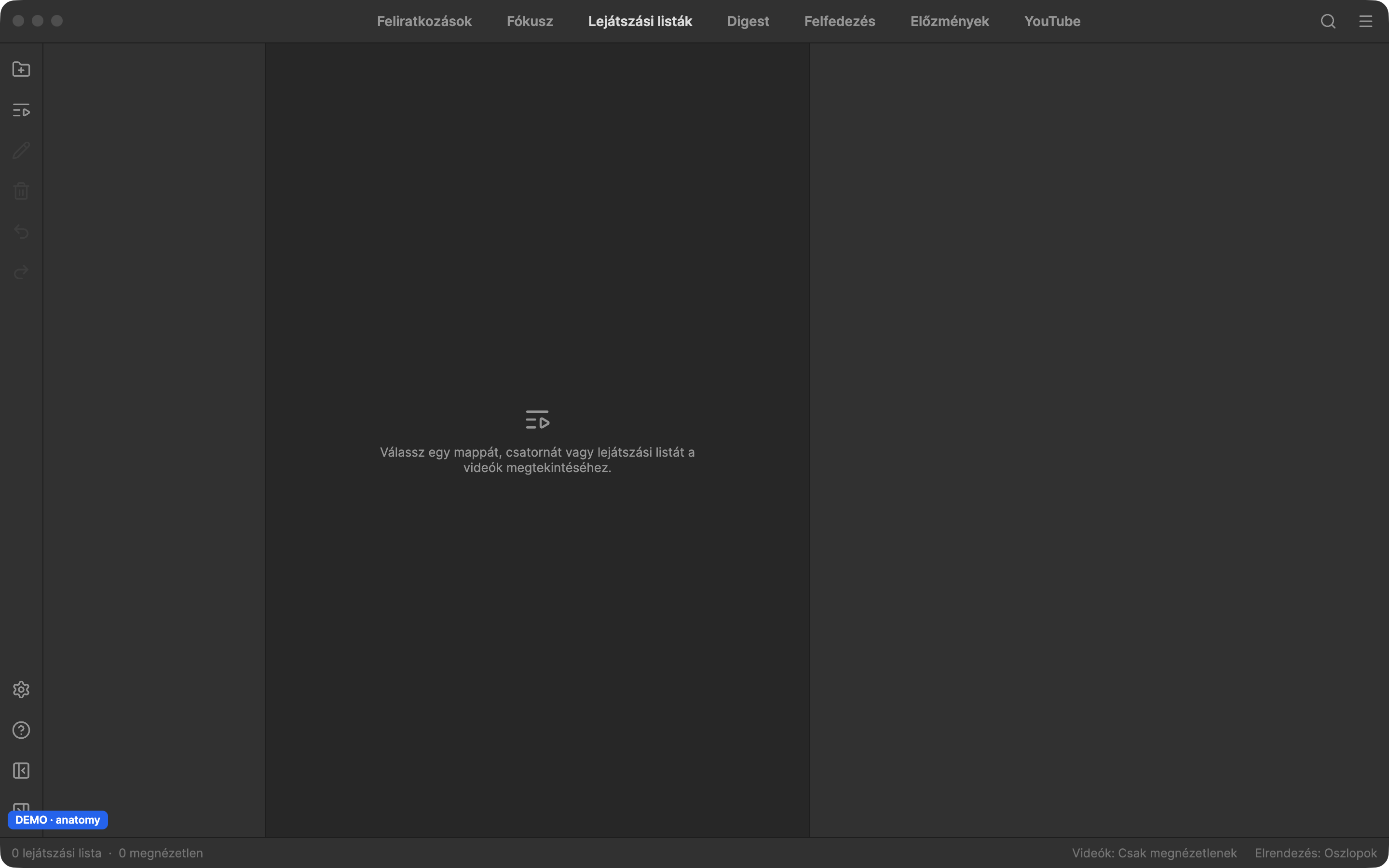
Your playlists. Pick one to see and play its videos.
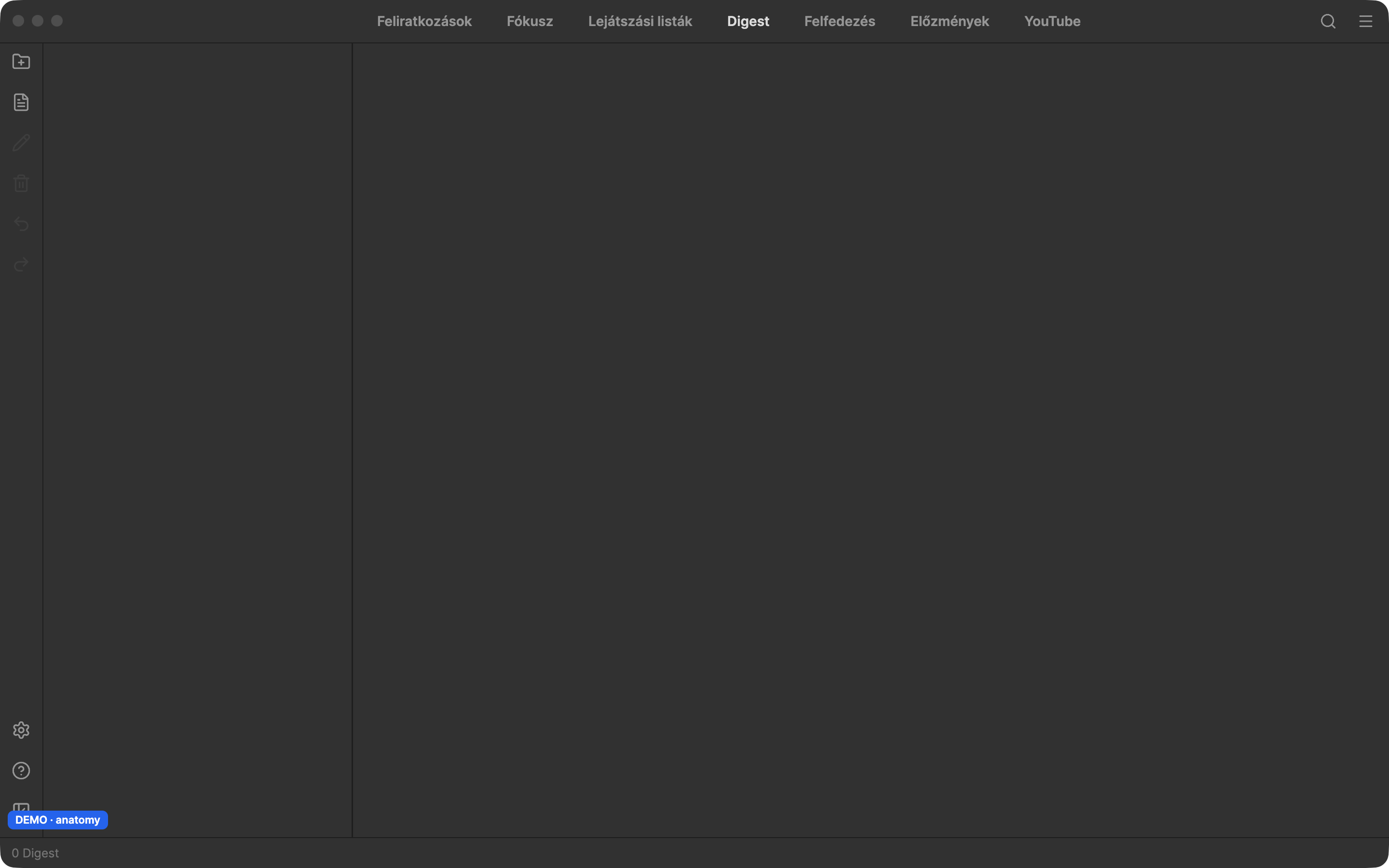
AI-written reading documents made from your videos. They are created in the desktop app and are read-only on phones and tablets.
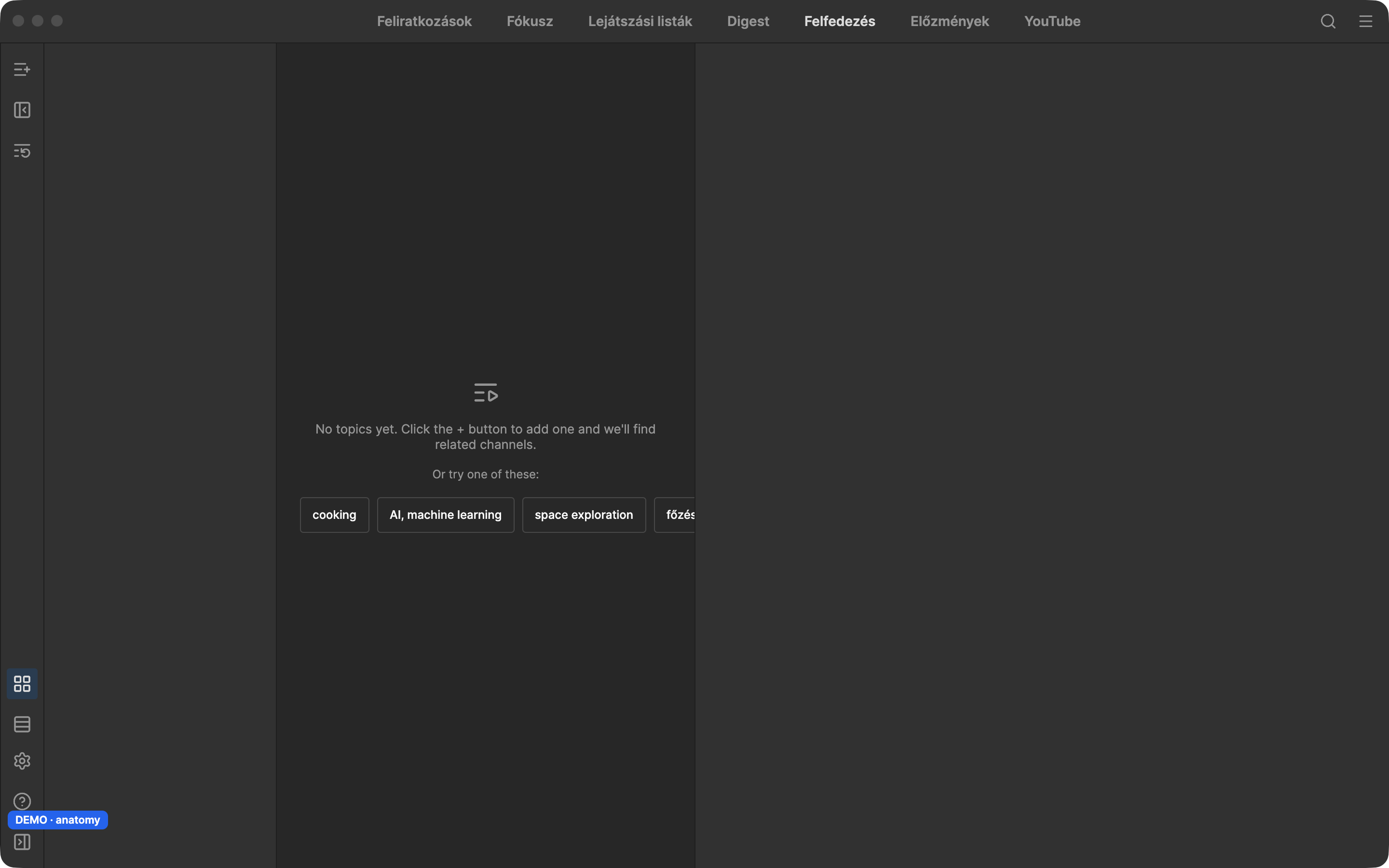
Topics you follow to discover new channels and videos. Use the + button to add a topic.
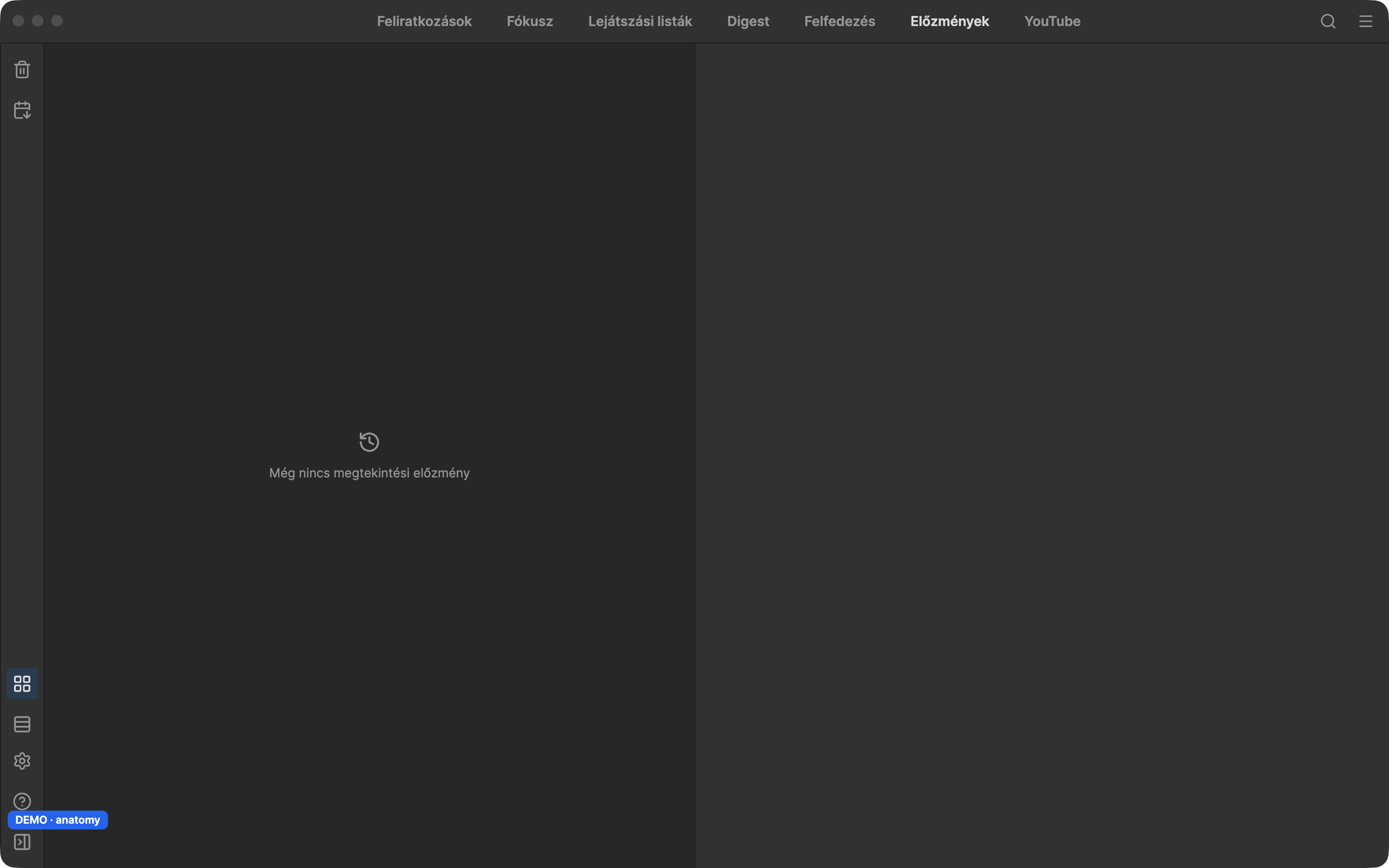
The videos you watched recently, newest first.
Browse YouTube itself inside Subvista.
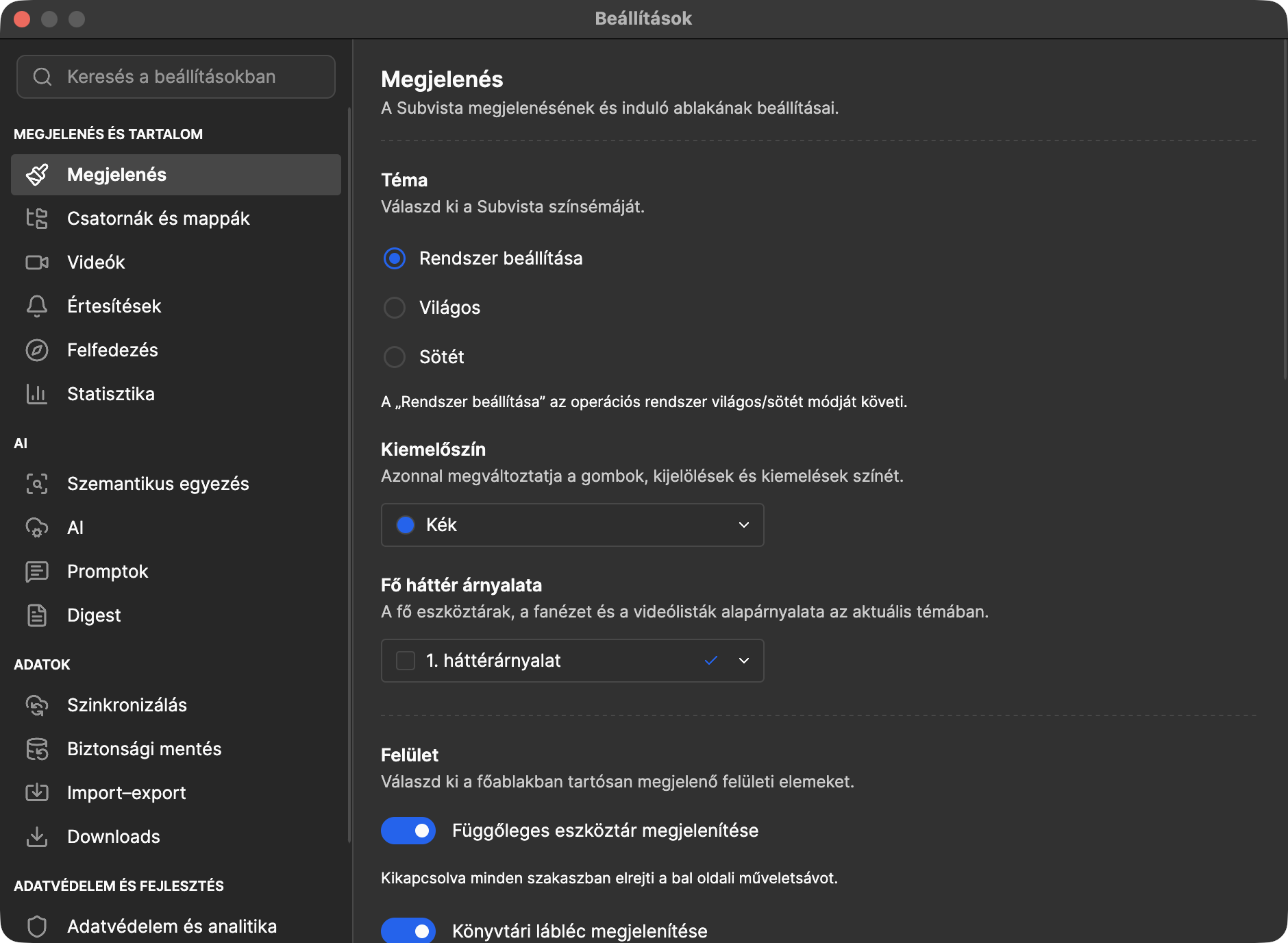
Theme (dark, light or system), accent colour, the language of the app and icon labels.
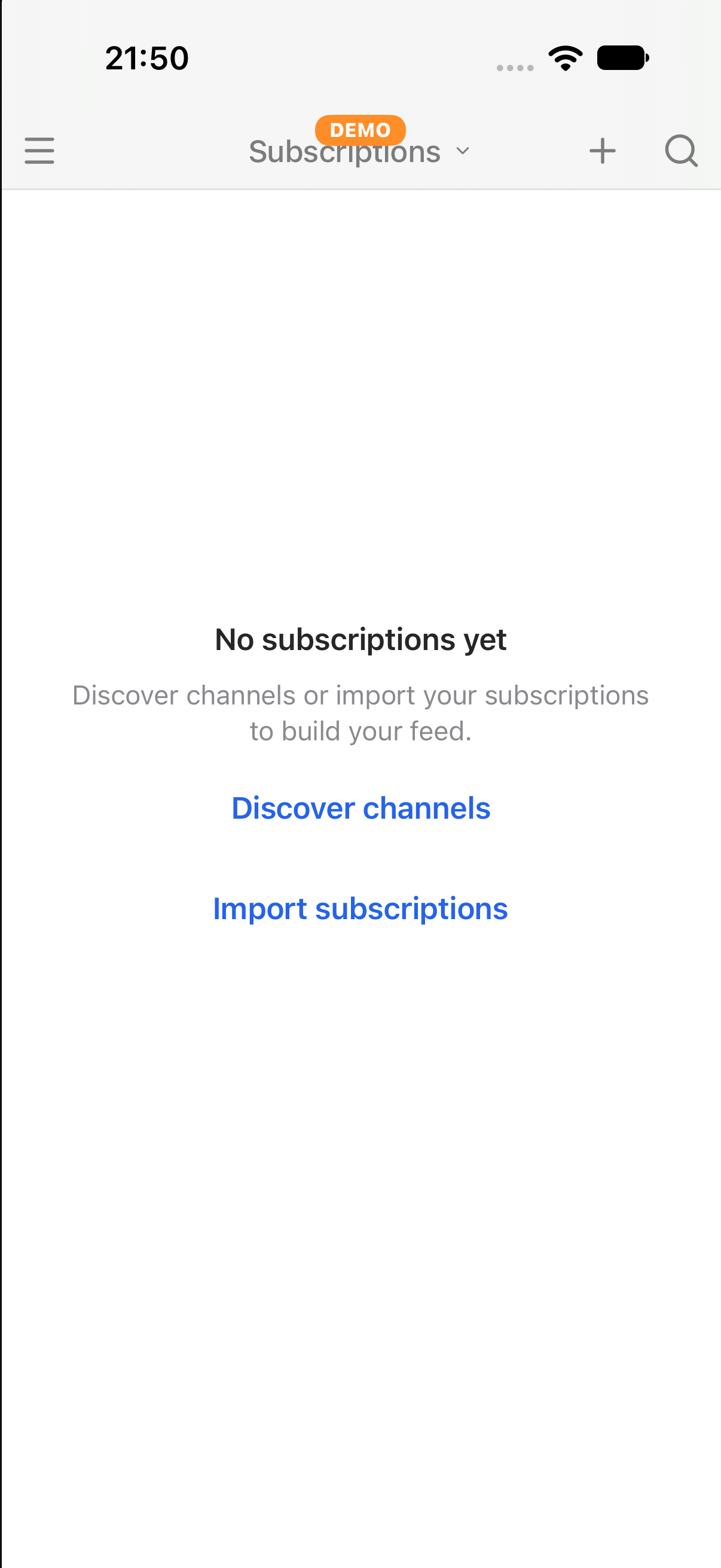
The channels you follow, grouped in folders. Pick a channel or folder to see its videos.
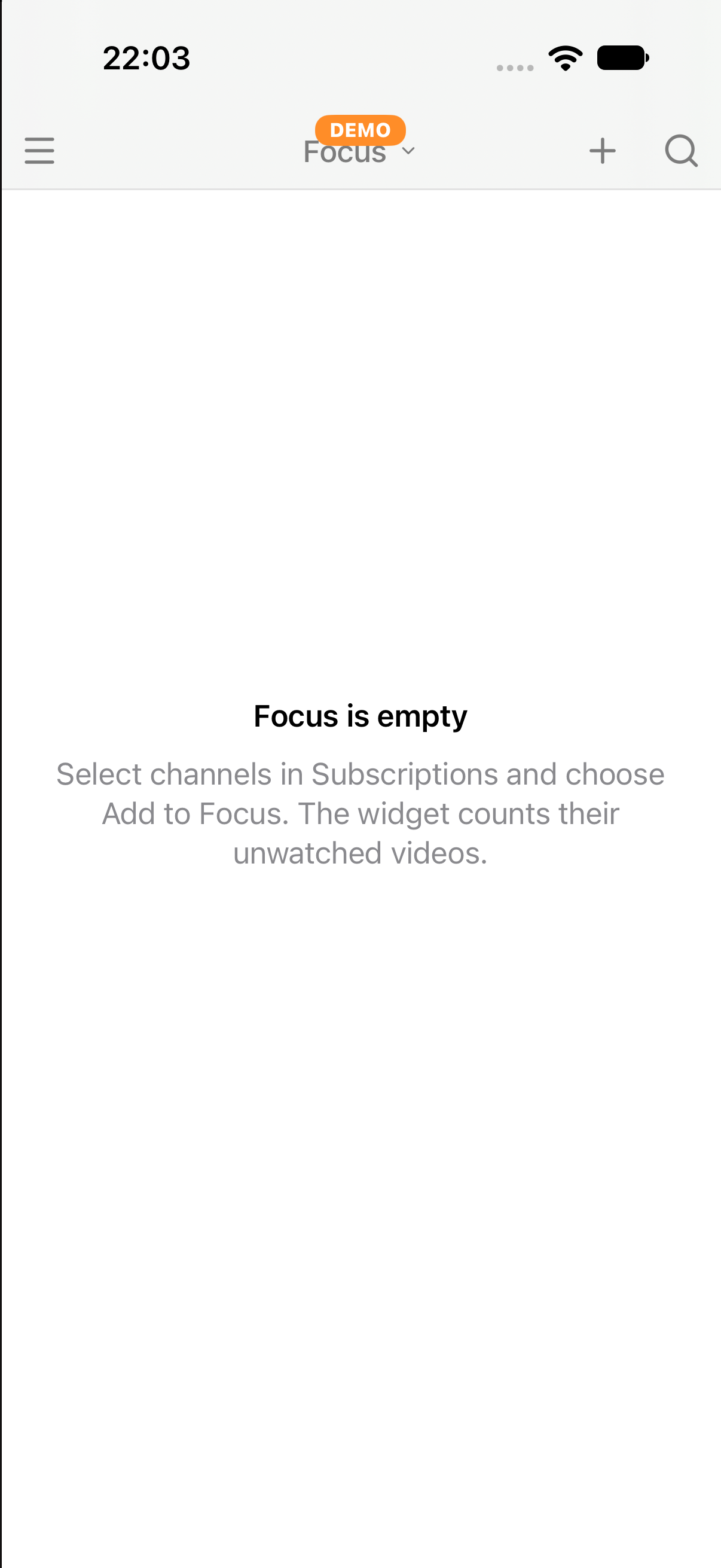
The few channels you watch most. Add them from Subscriptions; the widget counts their unwatched videos.
Your playlists. Pick one to see and play its videos.
Leads to: Explore (iPhone)
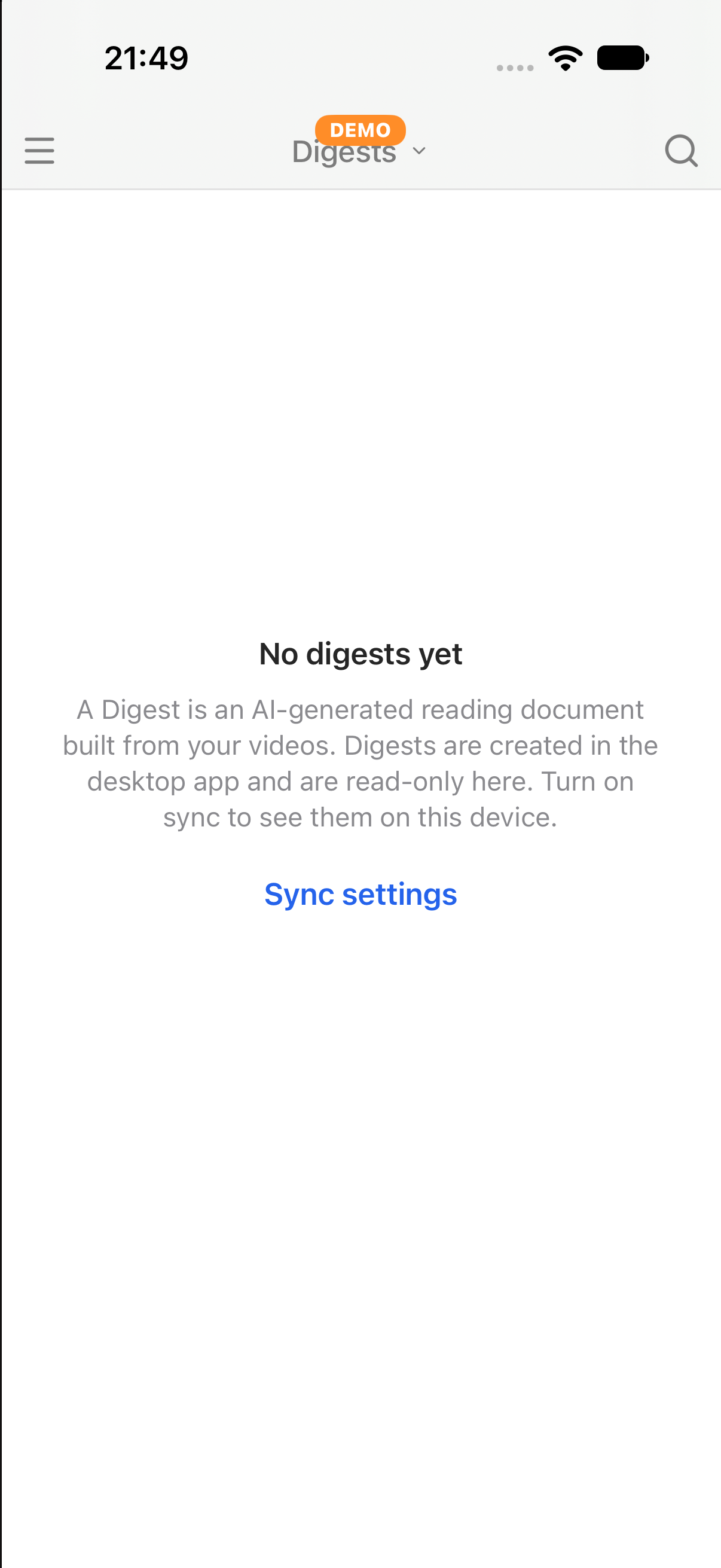
AI-written reading documents made from your videos. They are created in the desktop app and are read-only on phones and tablets.
Leads to: Subscriptions (iPhone)
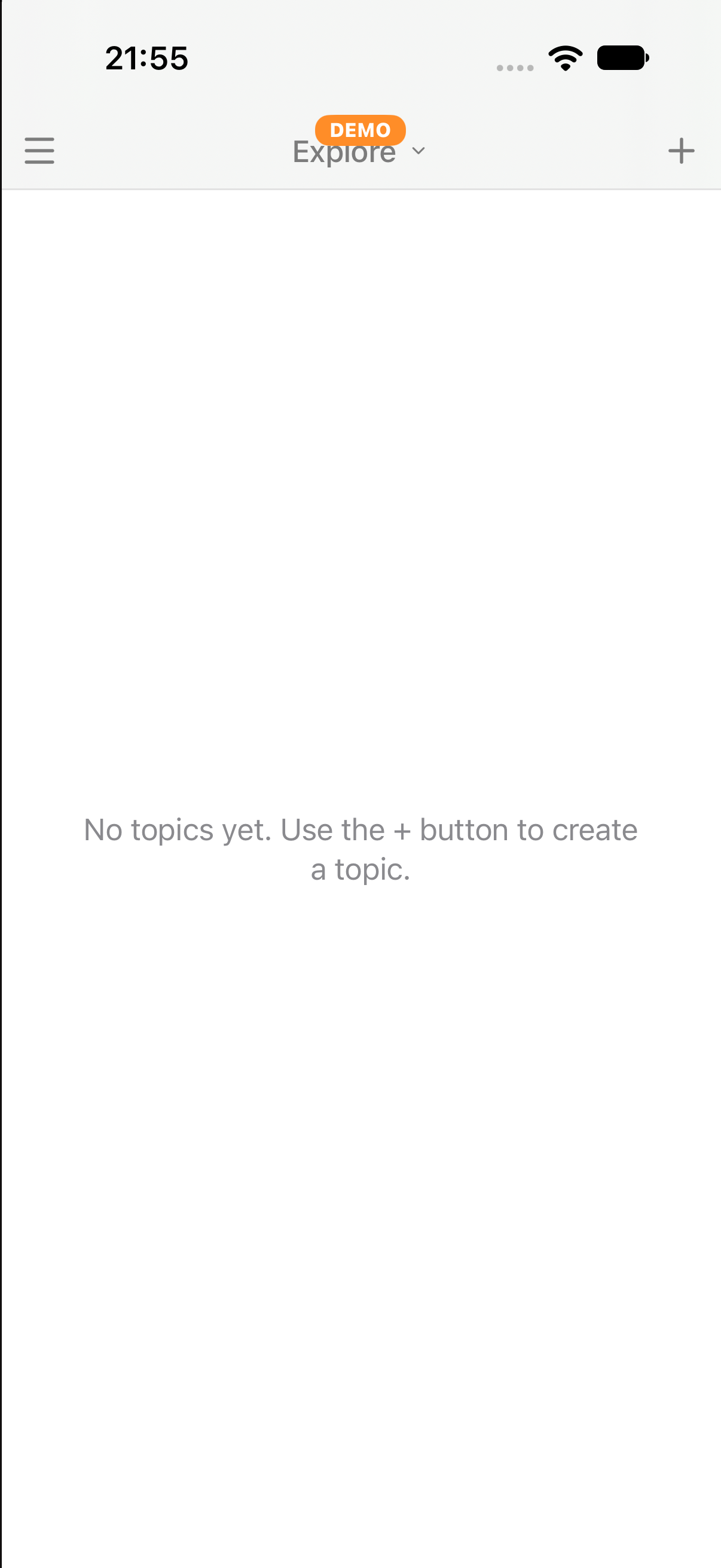
Topics you follow to discover new channels and videos. Use the + button to add a topic.
Leads to: History (iPhone)
The videos you watched recently, newest first.
Browse YouTube itself inside Subvista.
Leads to: Settings · Appearance (iPhone)
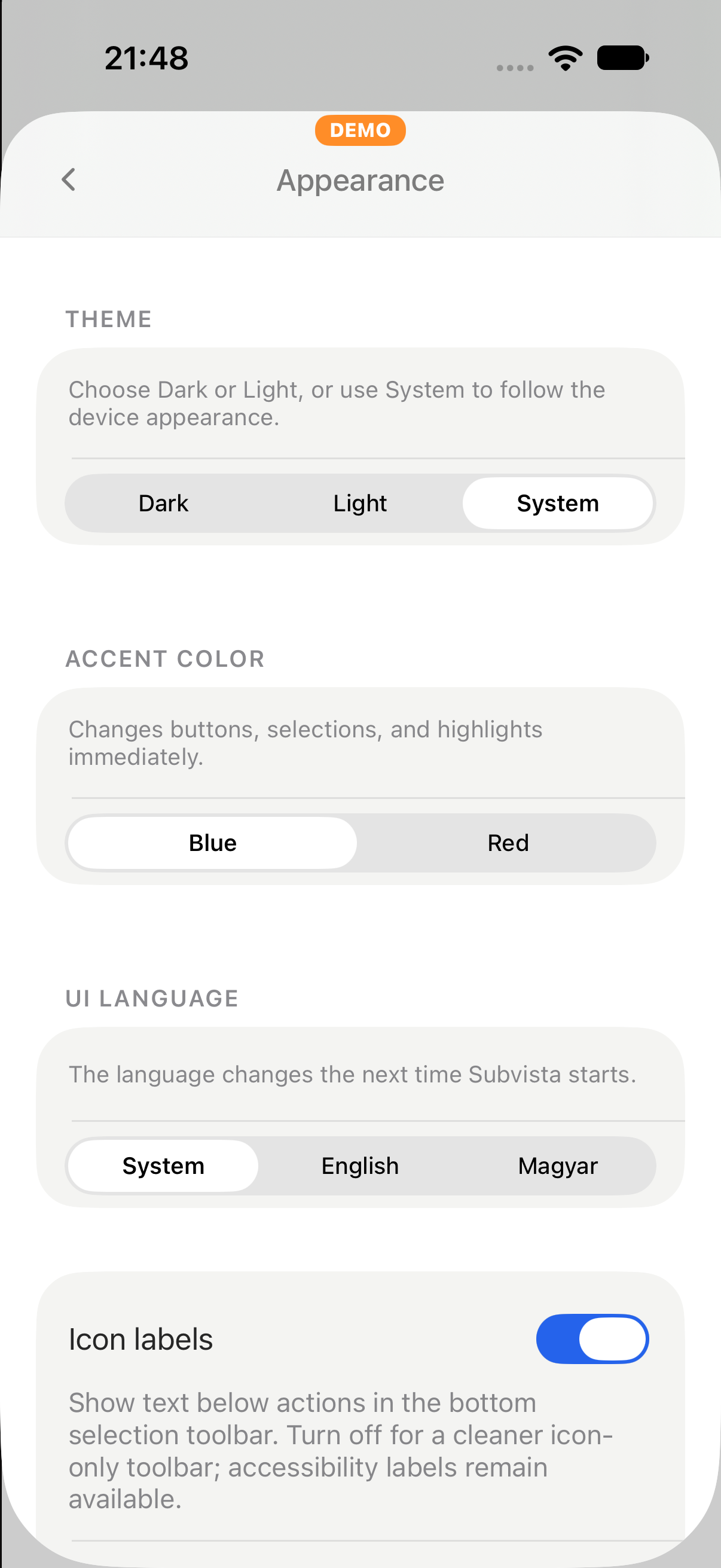
Theme (dark, light or system), accent colour, the language of the app and icon labels.
Leads to: Digest (iPhone)
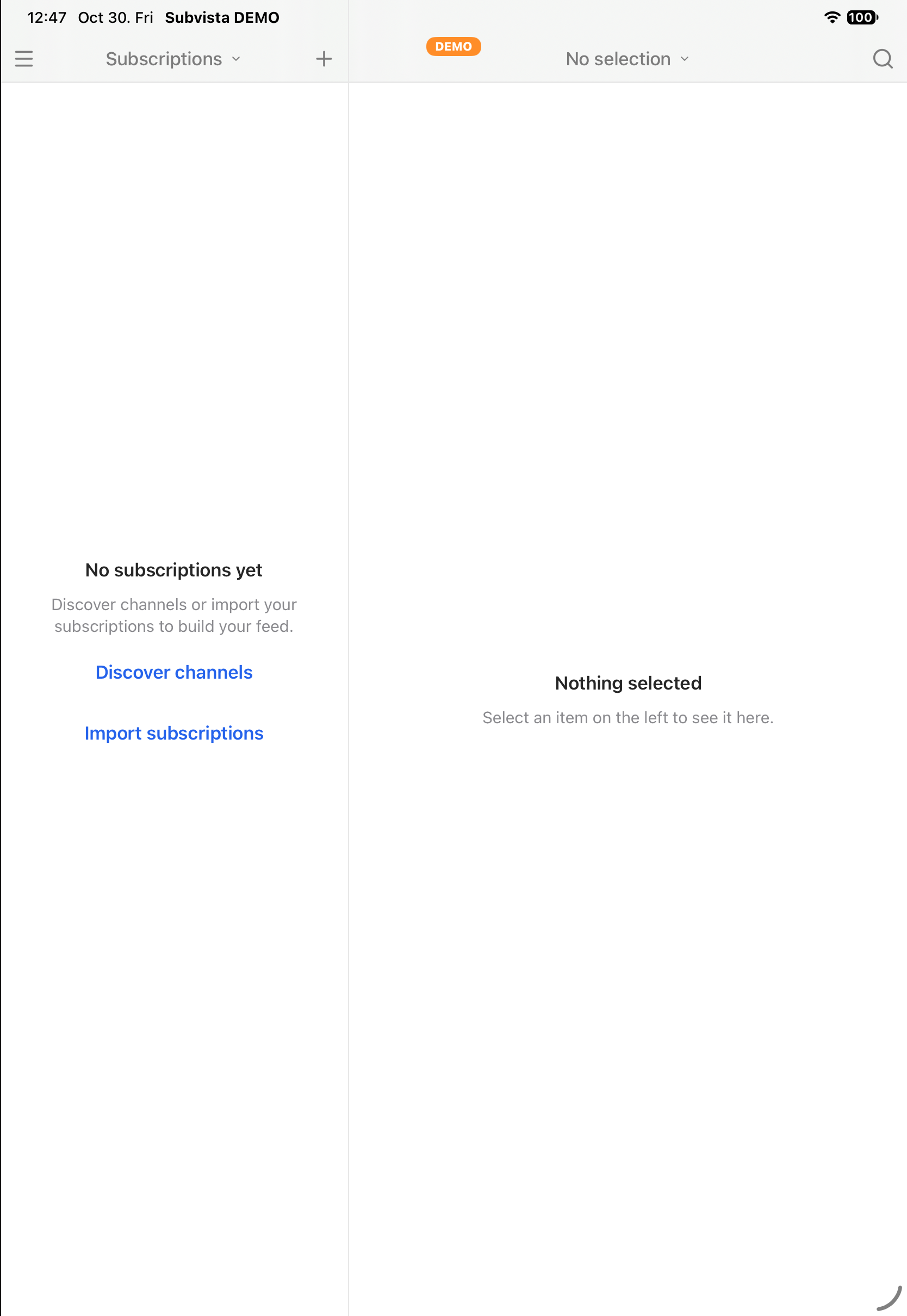
The channels you follow, grouped in folders. Pick a channel or folder to see its videos.
Leads to: Playlists (iPad)
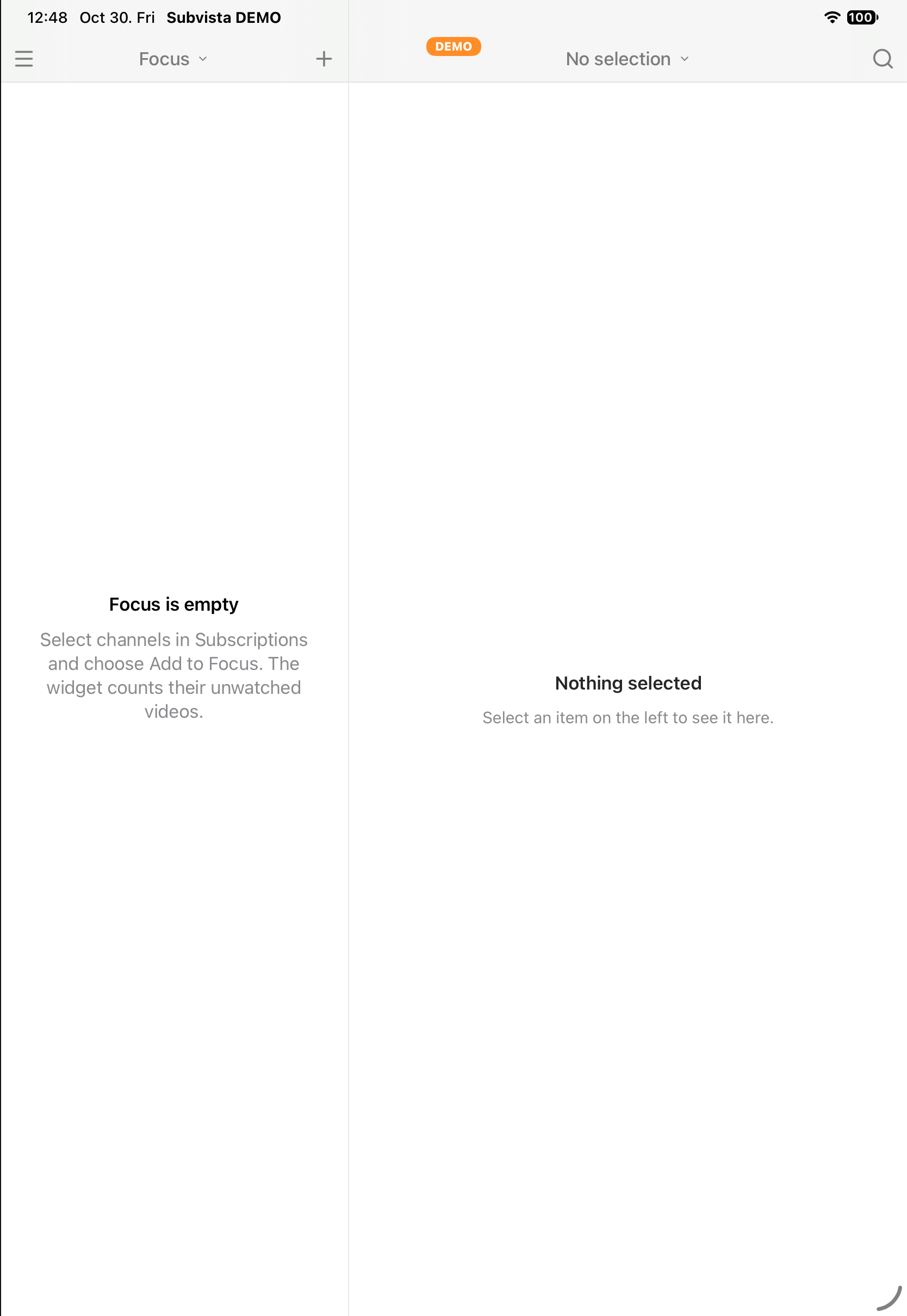
The few channels you watch most. Add them from Subscriptions; the widget counts their unwatched videos.
Leads to: Digest (iPad)
Your playlists. Pick one to see and play its videos.
Leads to: Explore (iPad)
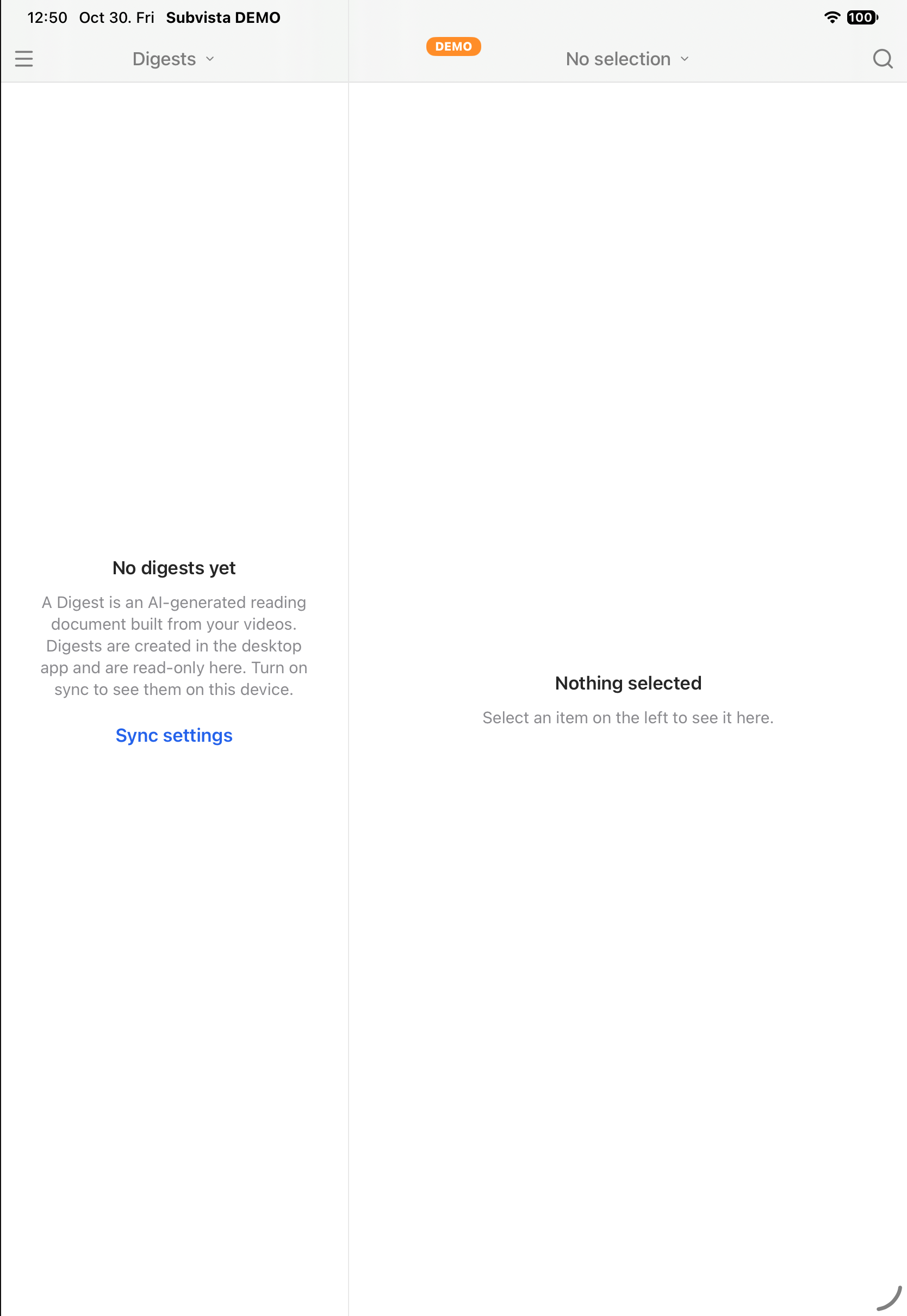
AI-written reading documents made from your videos. They are created in the desktop app and are read-only on phones and tablets.
Leads to: History (iPad)
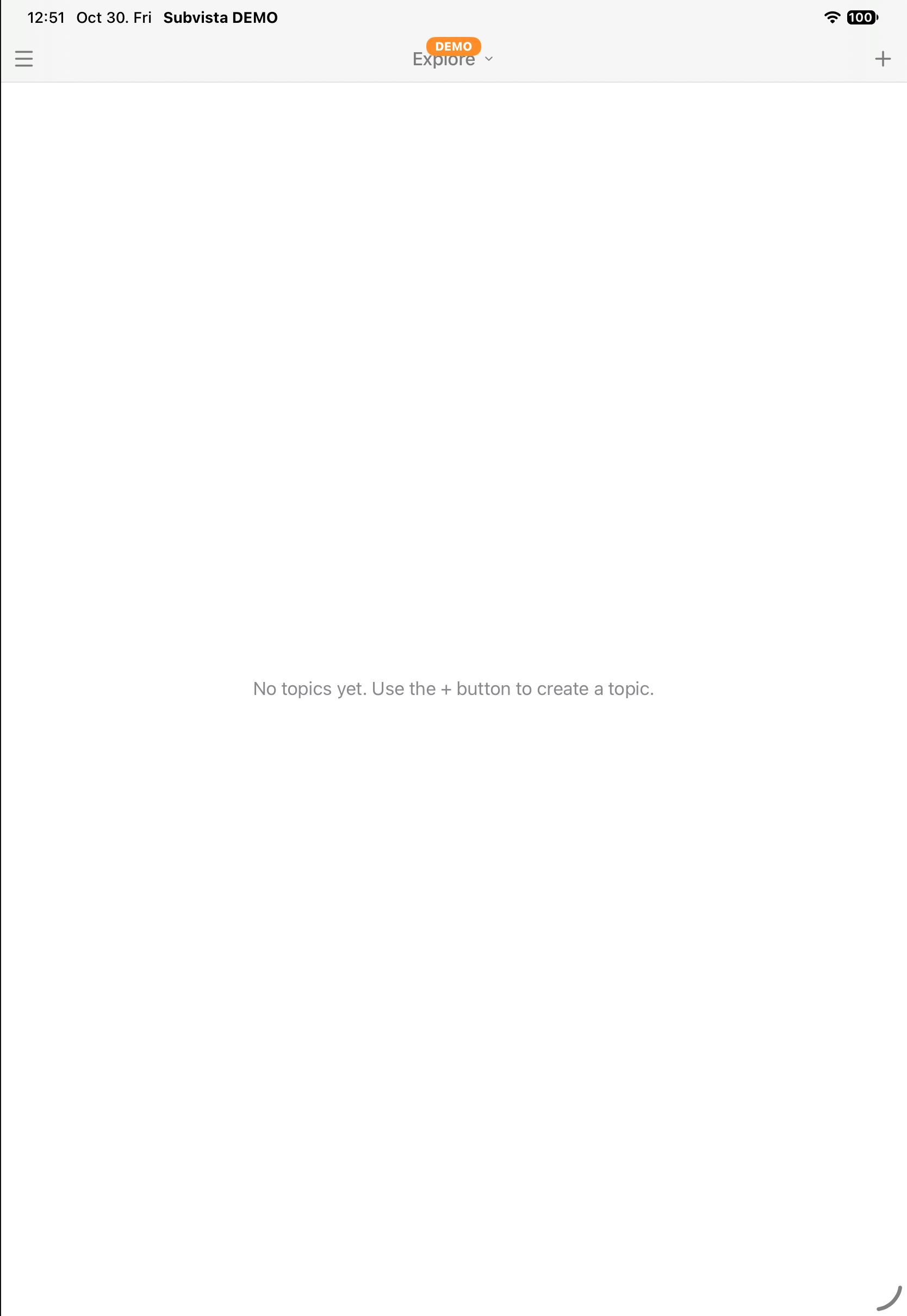
Topics you follow to discover new channels and videos. Use the + button to add a topic.
Leads to: YouTube (iPad)
The videos you watched recently, newest first.
Leads to: Settings · Appearance (iPad)
Browse YouTube itself inside Subvista.
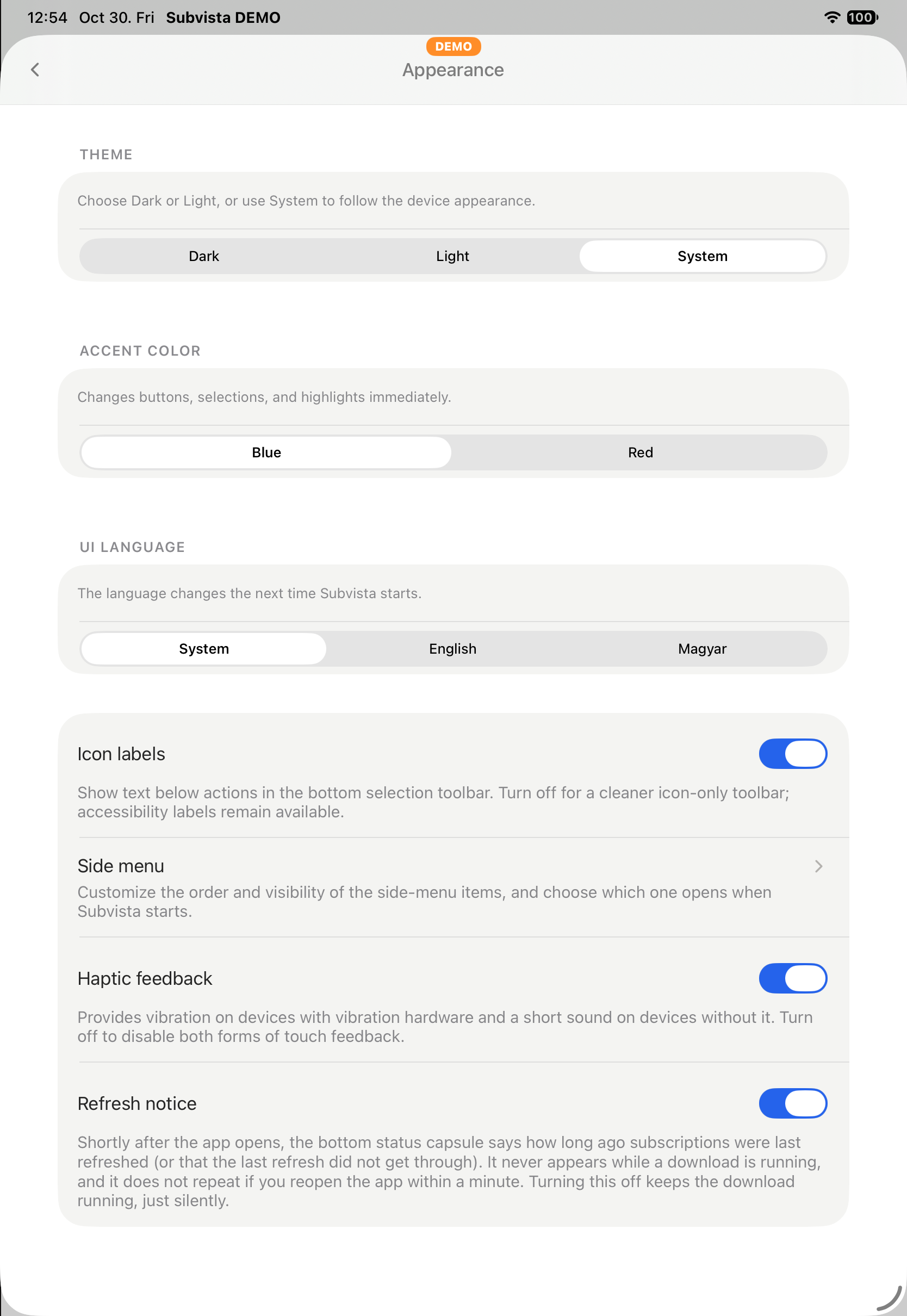
Theme (dark, light or system), accent colour, the language of the app and icon labels.
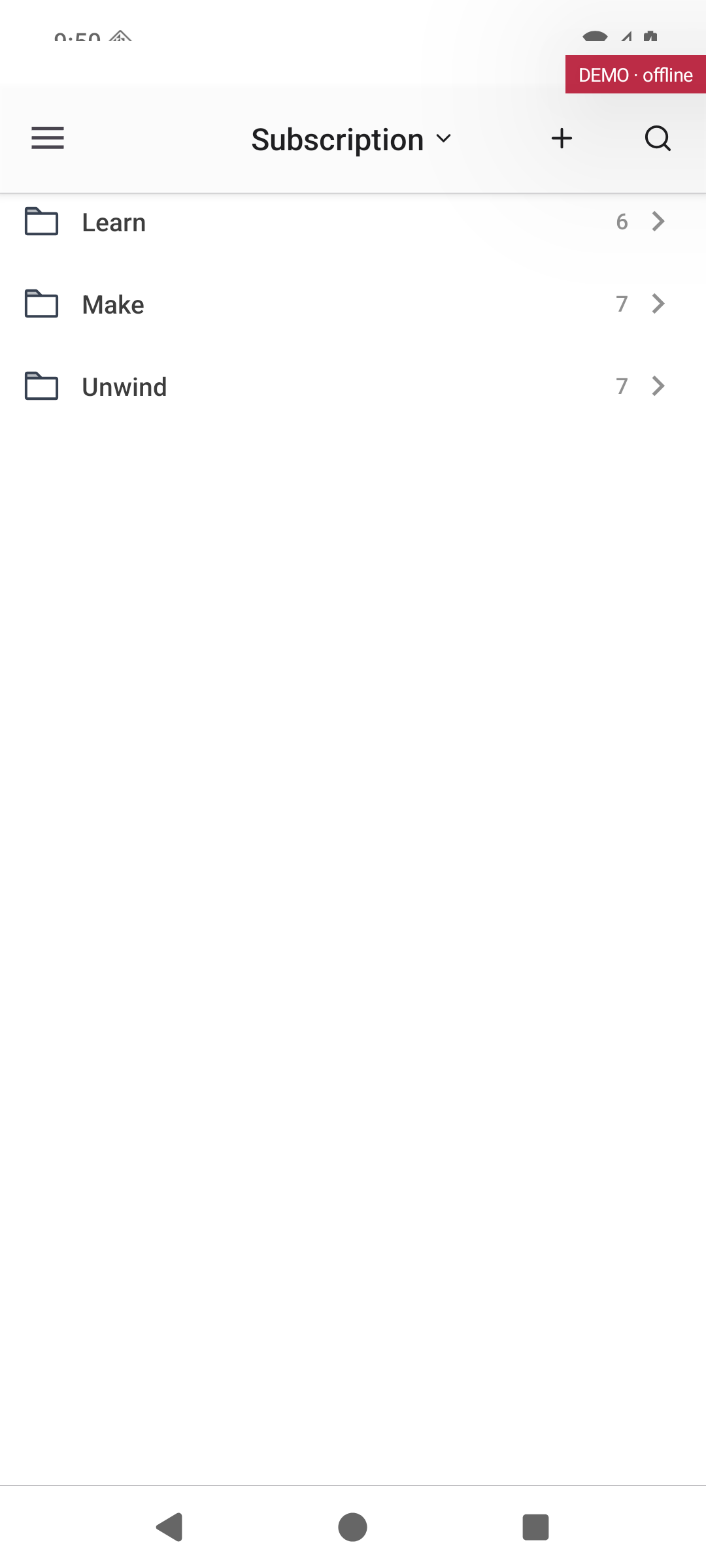
The channels you follow, grouped in folders. Pick a channel or folder to see its videos.
Leads to: Focus (Android phone)
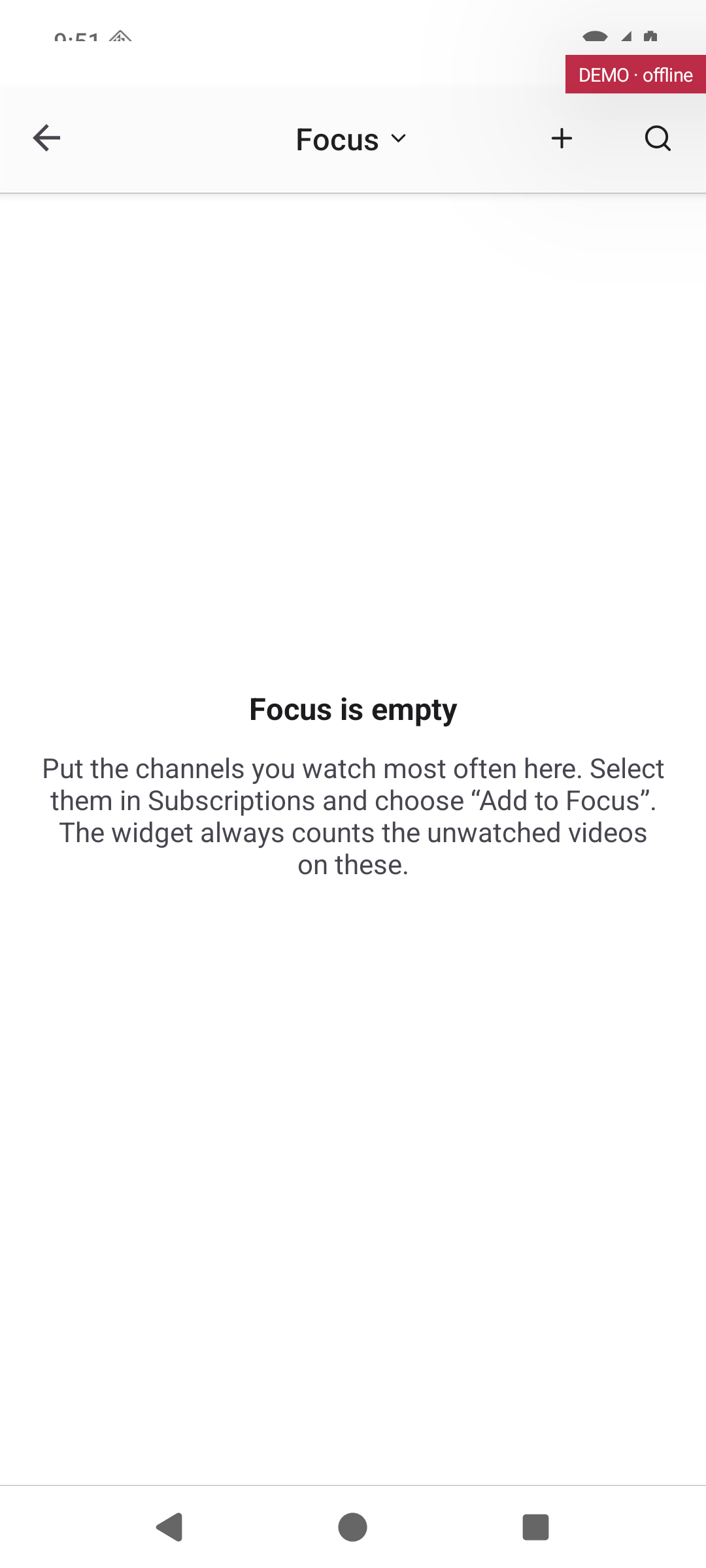
The few channels you watch most. Add them from Subscriptions; the widget counts their unwatched videos.
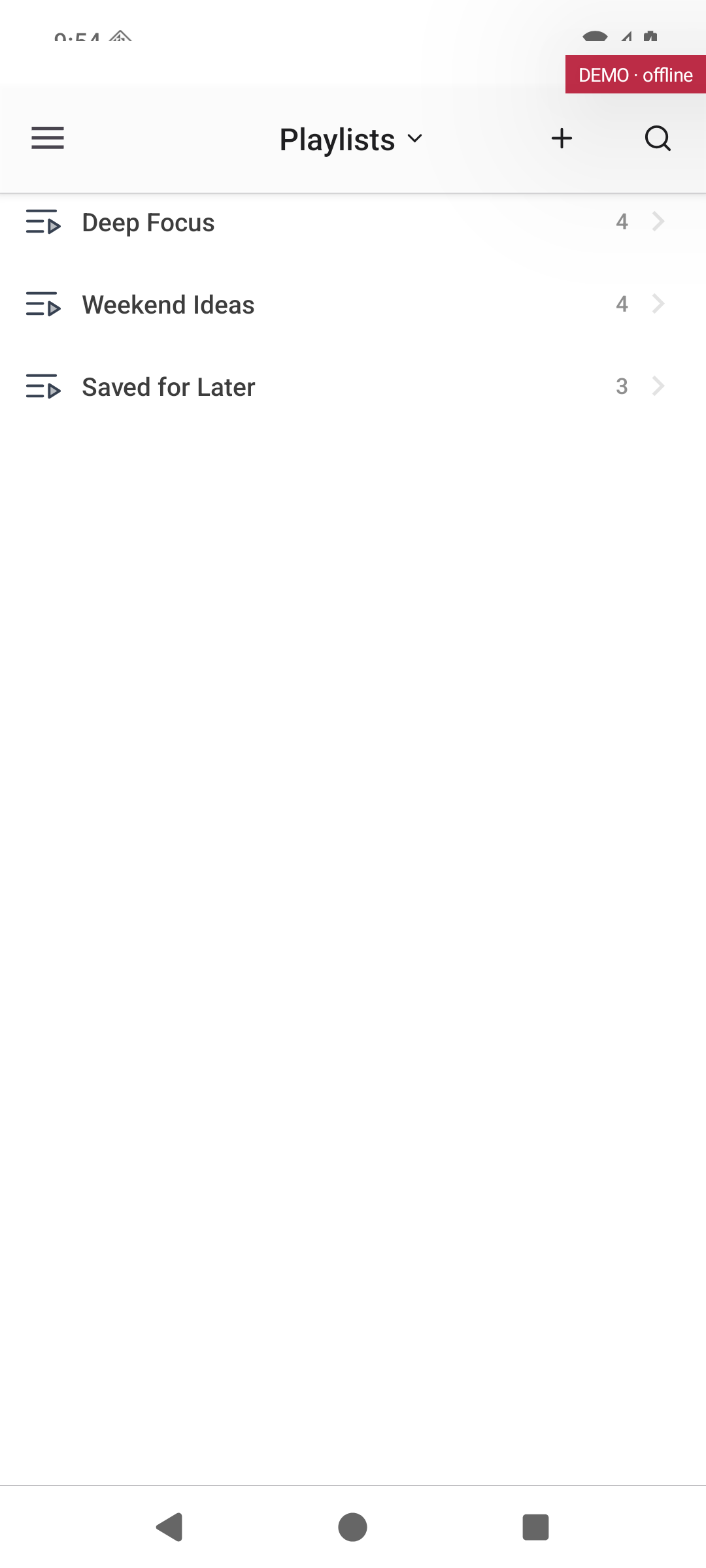
Your playlists. Pick one to see and play its videos.
Leads to: Explore (Android phone)
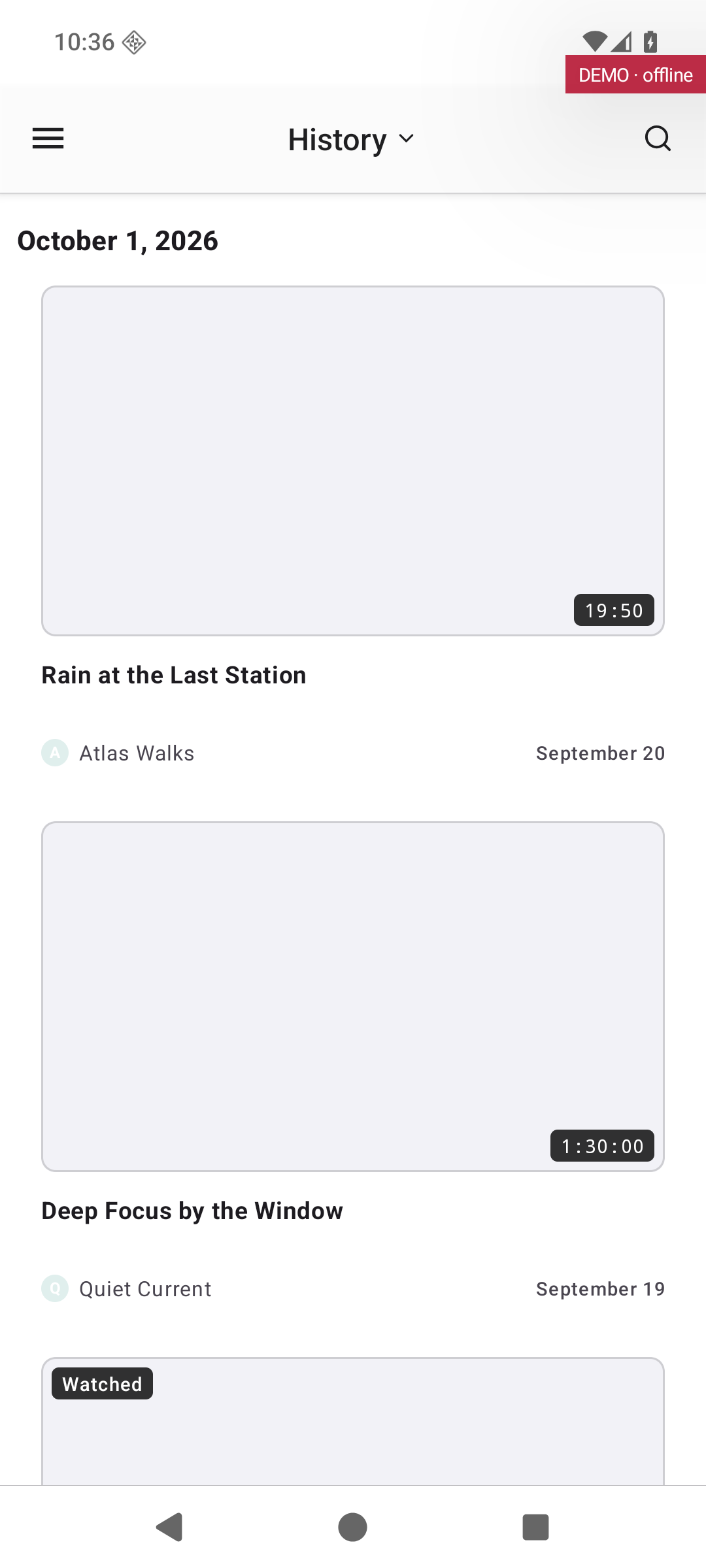
AI-written reading documents made from your videos. They are created in the desktop app and are read-only on phones and tablets.
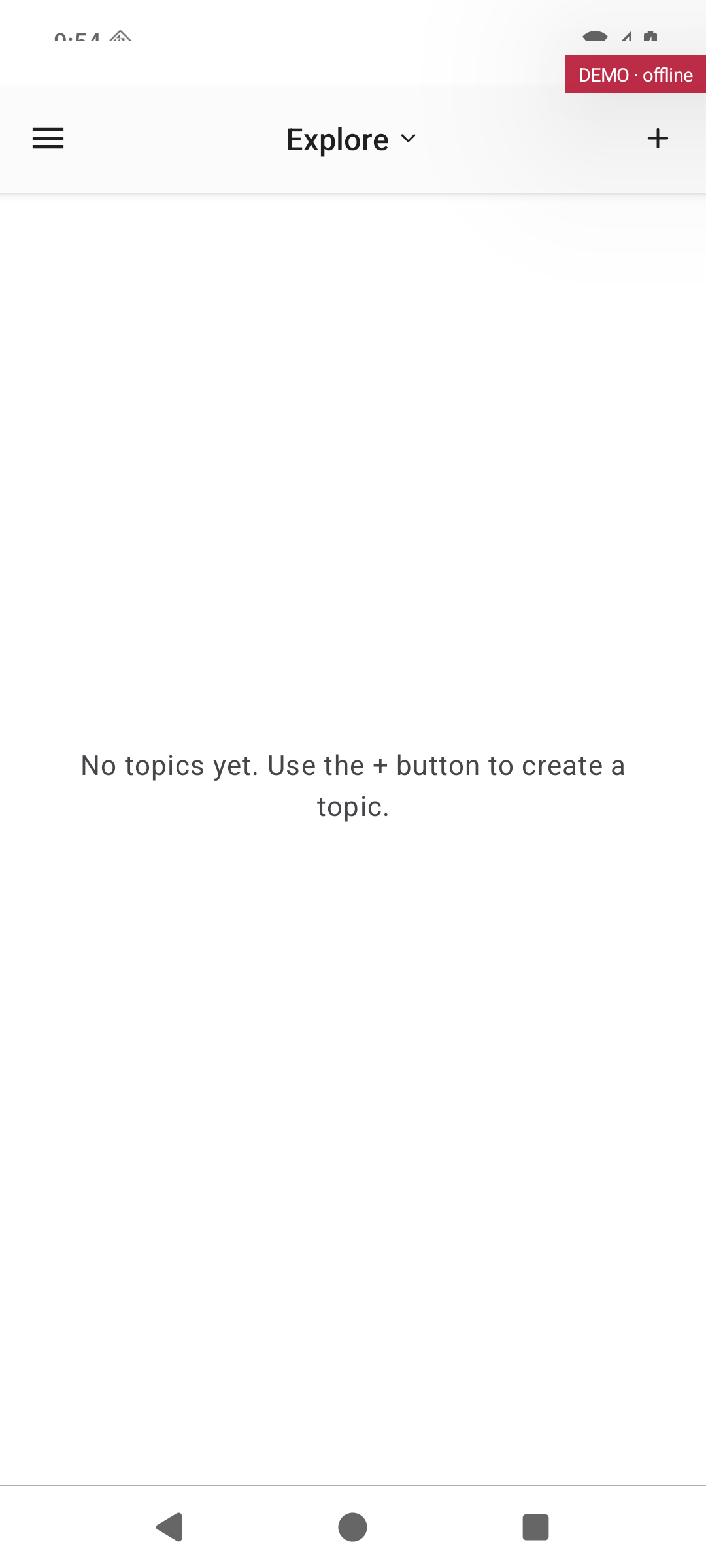
Topics you follow to discover new channels and videos. Use the + button to add a topic.
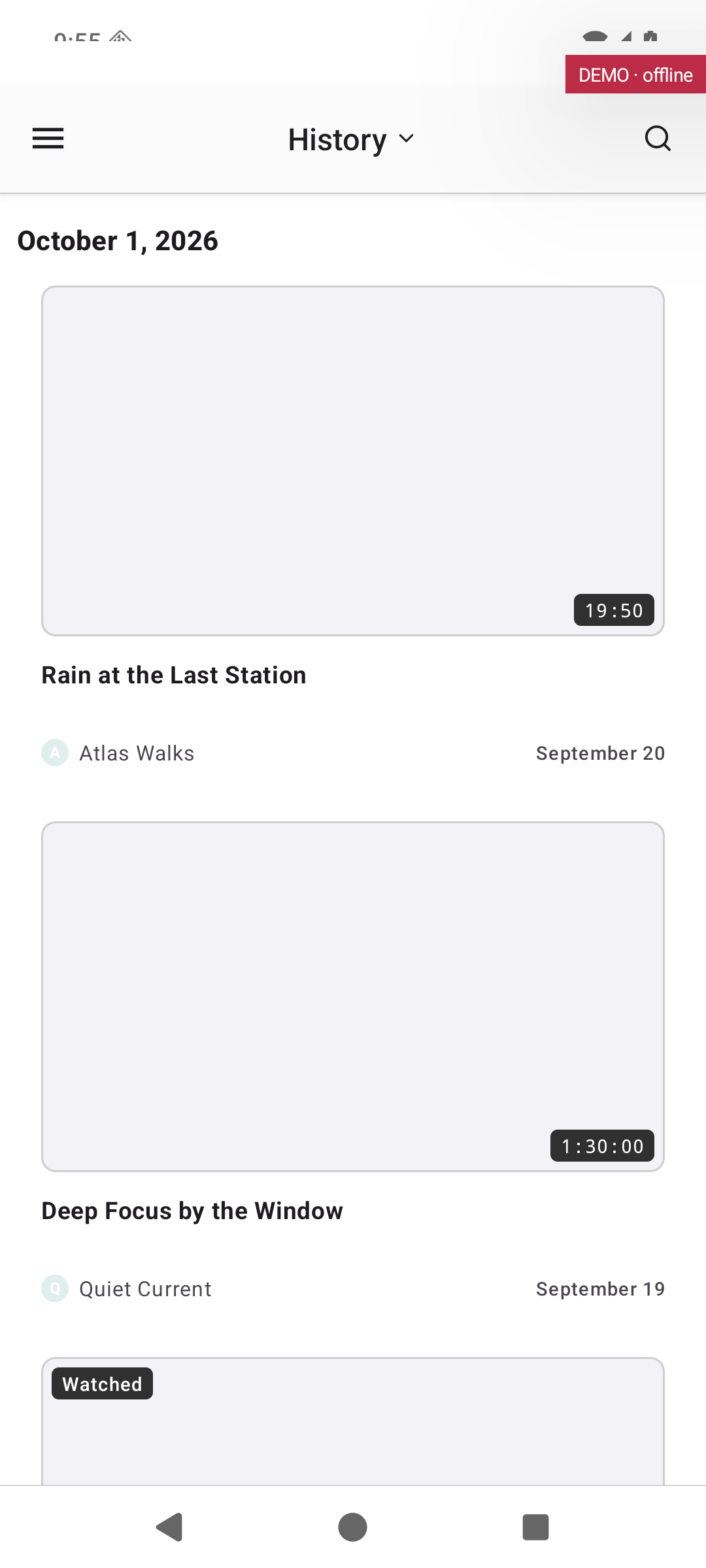
The videos you watched recently, newest first.
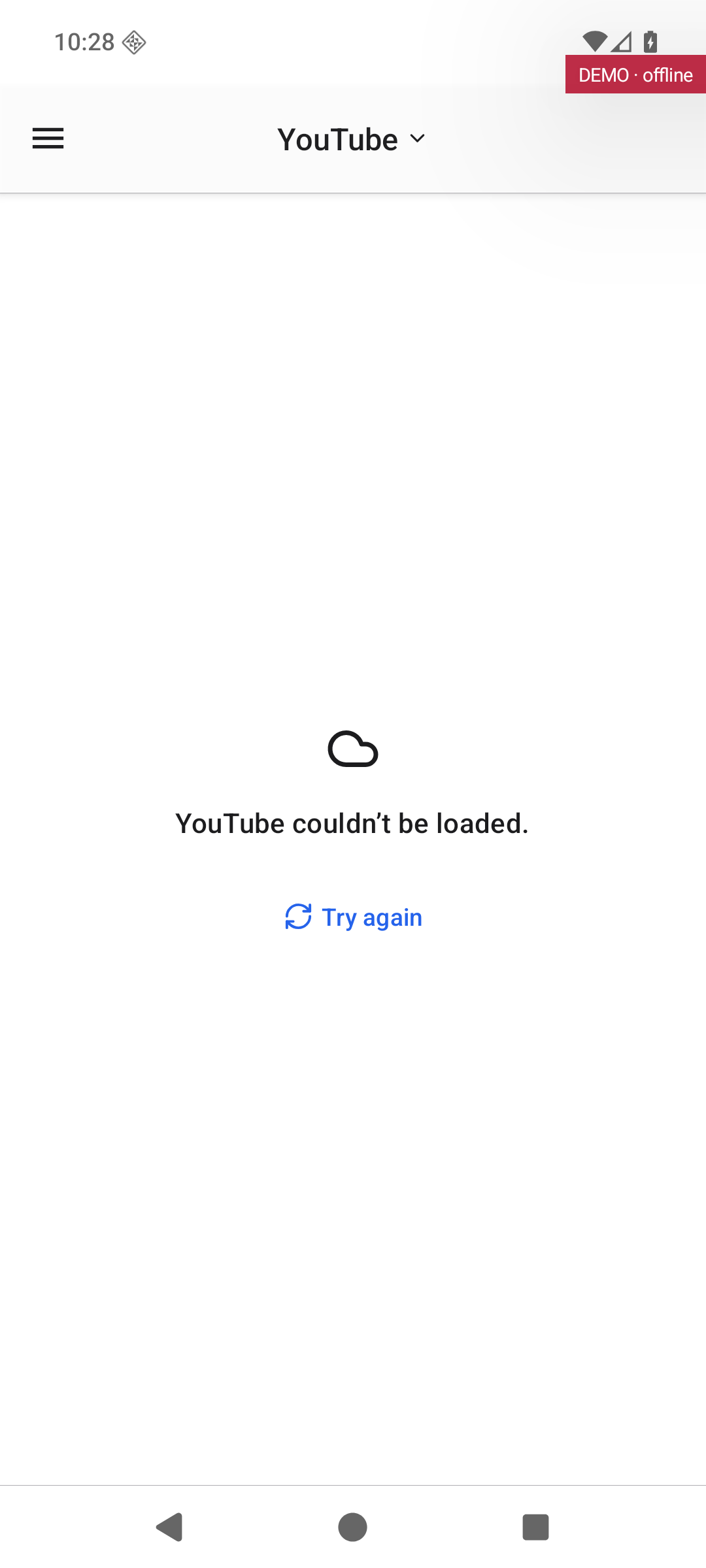
Browse YouTube itself inside Subvista.
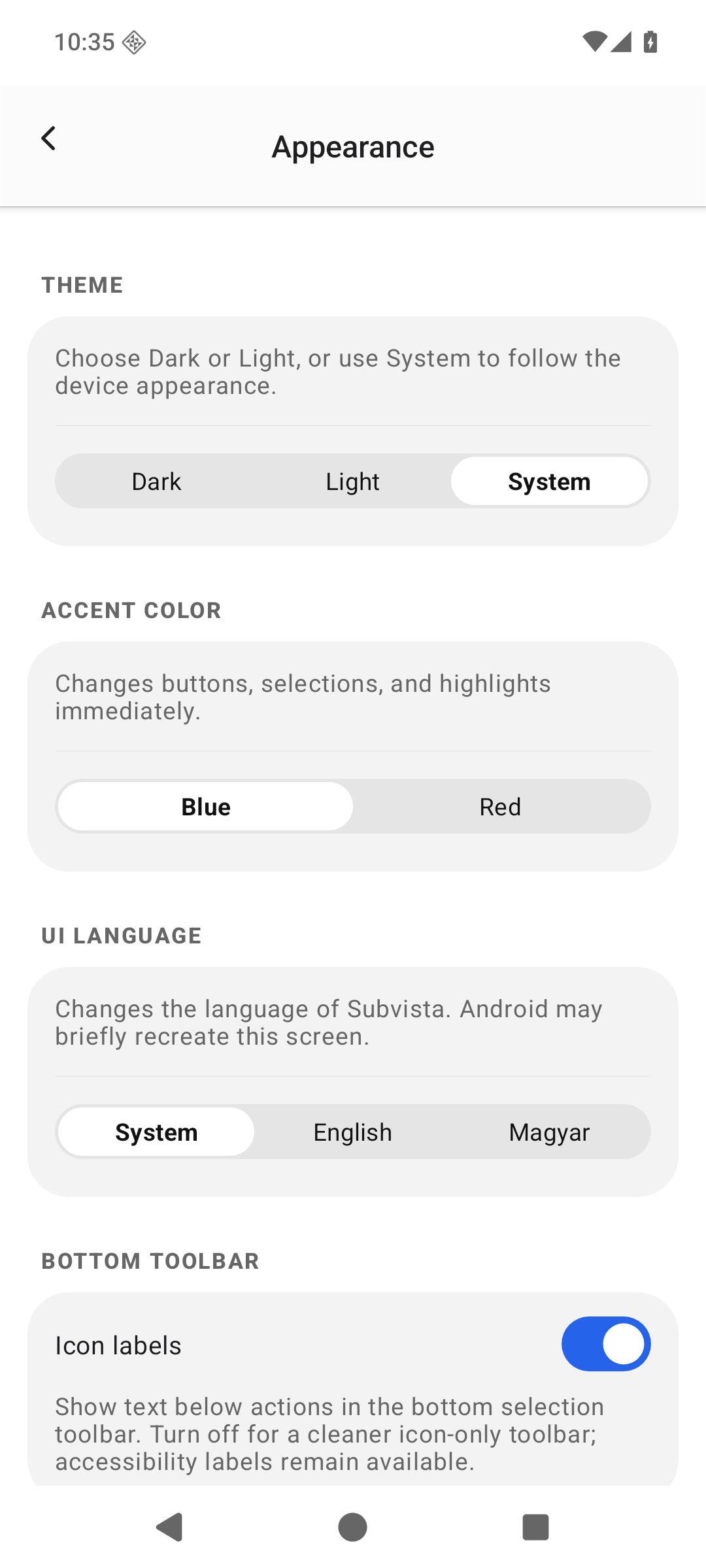
Theme (dark, light or system), accent colour, the language of the app and icon labels.
Leads to: Digest (Android phone)
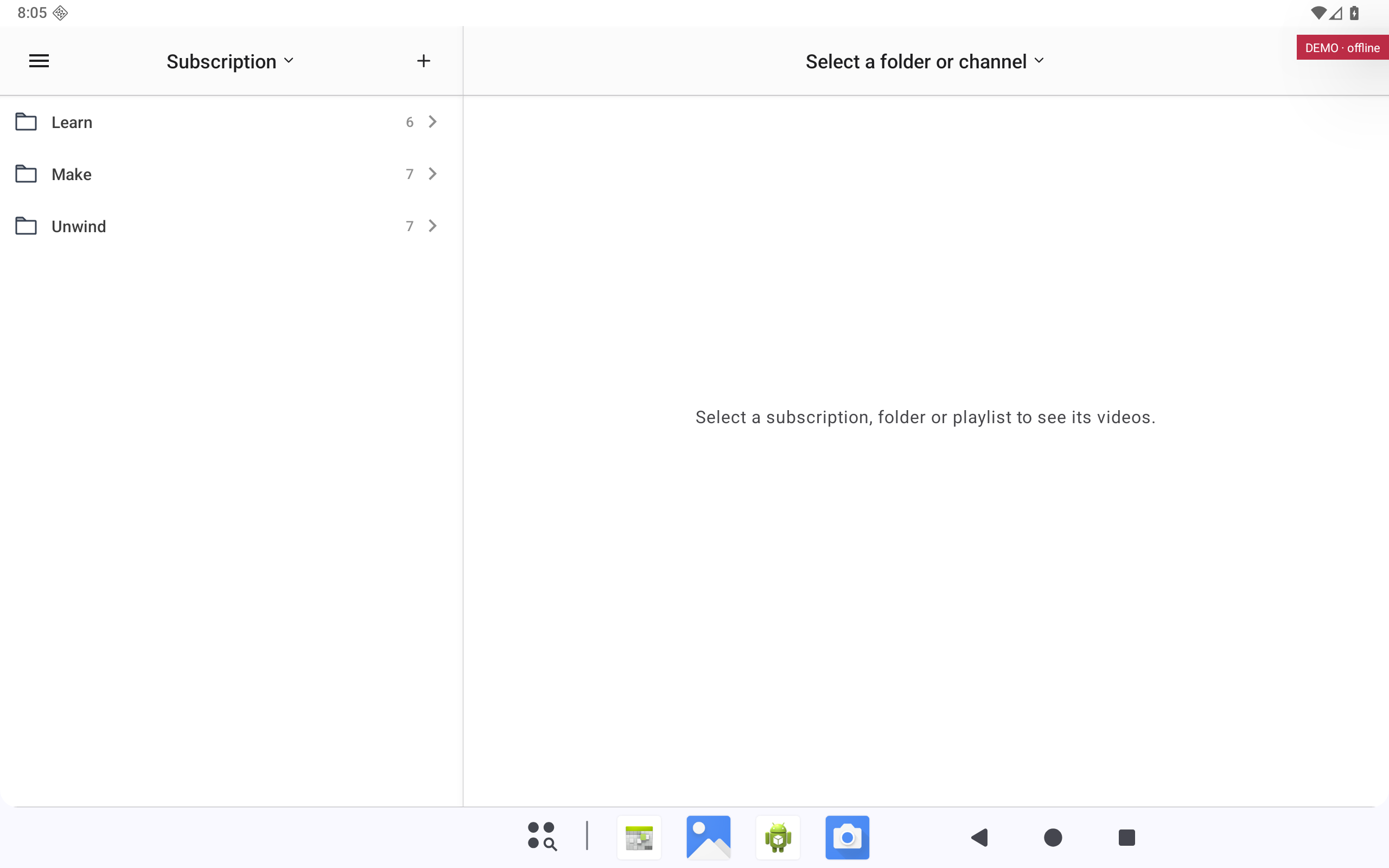
The channels you follow, grouped in folders. Pick a channel or folder to see its videos.
Leads to: History (Android tablet)
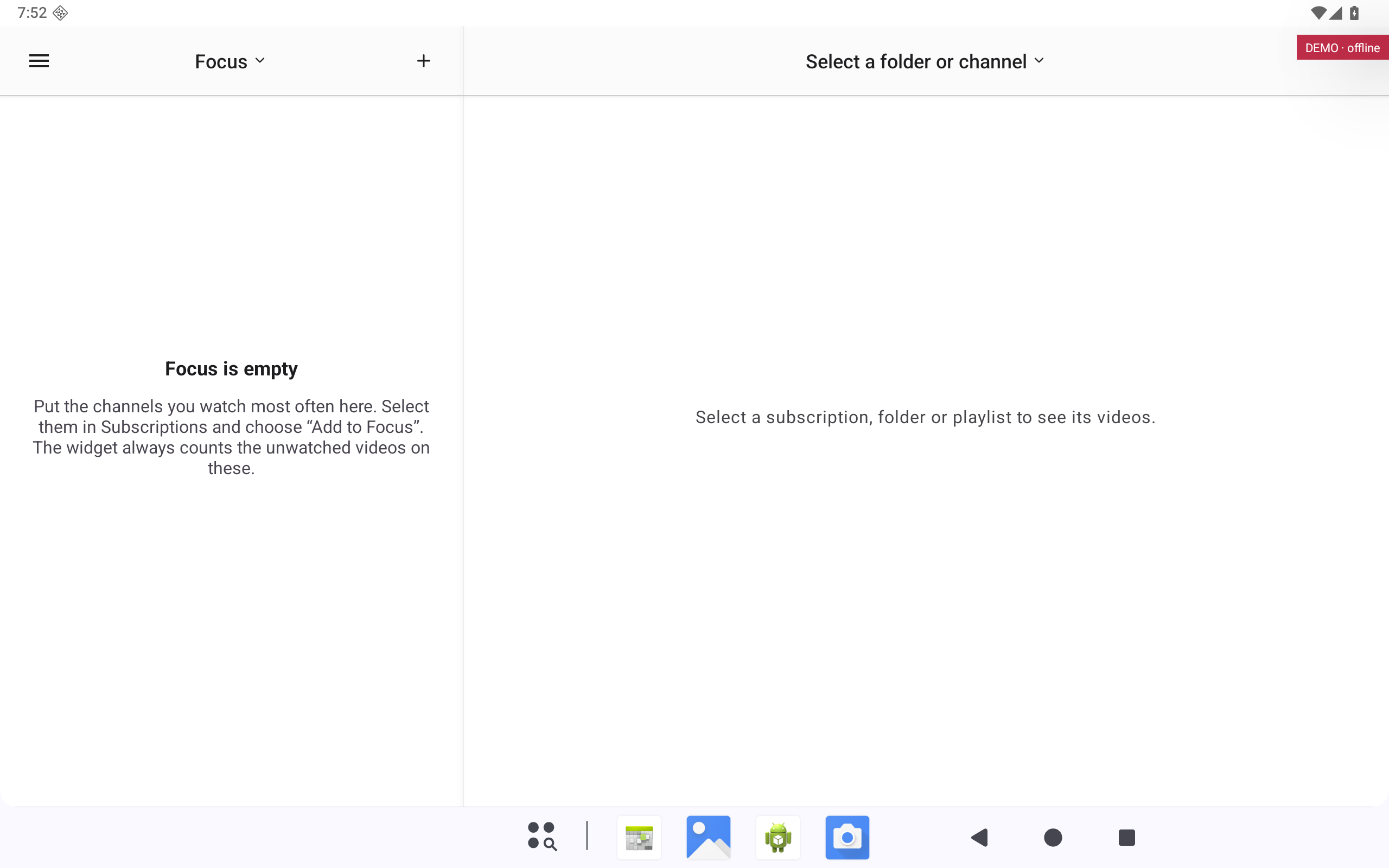
The few channels you watch most. Add them from Subscriptions; the widget counts their unwatched videos.
Leads to: Digest (Android tablet)
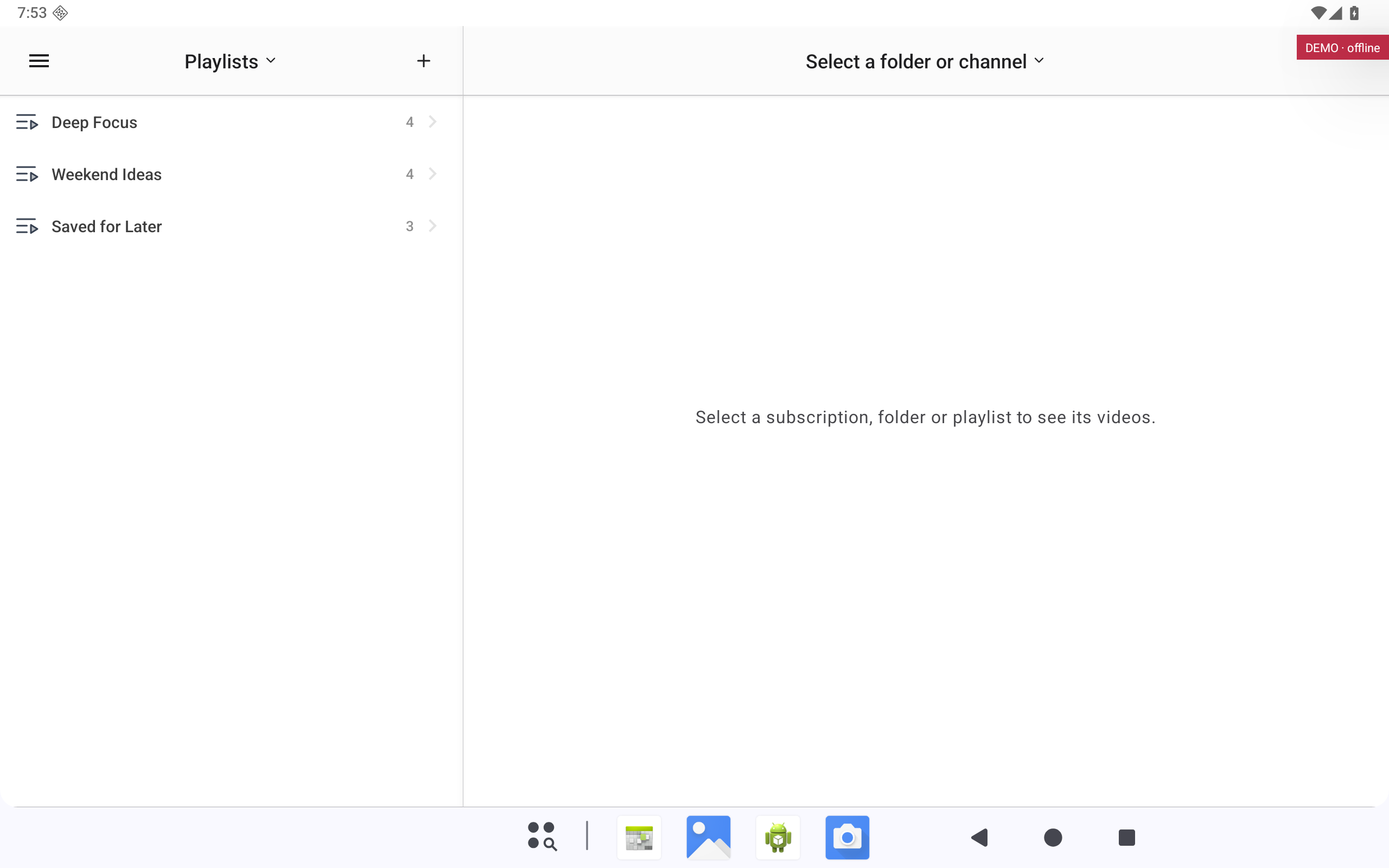
Your playlists. Pick one to see and play its videos.
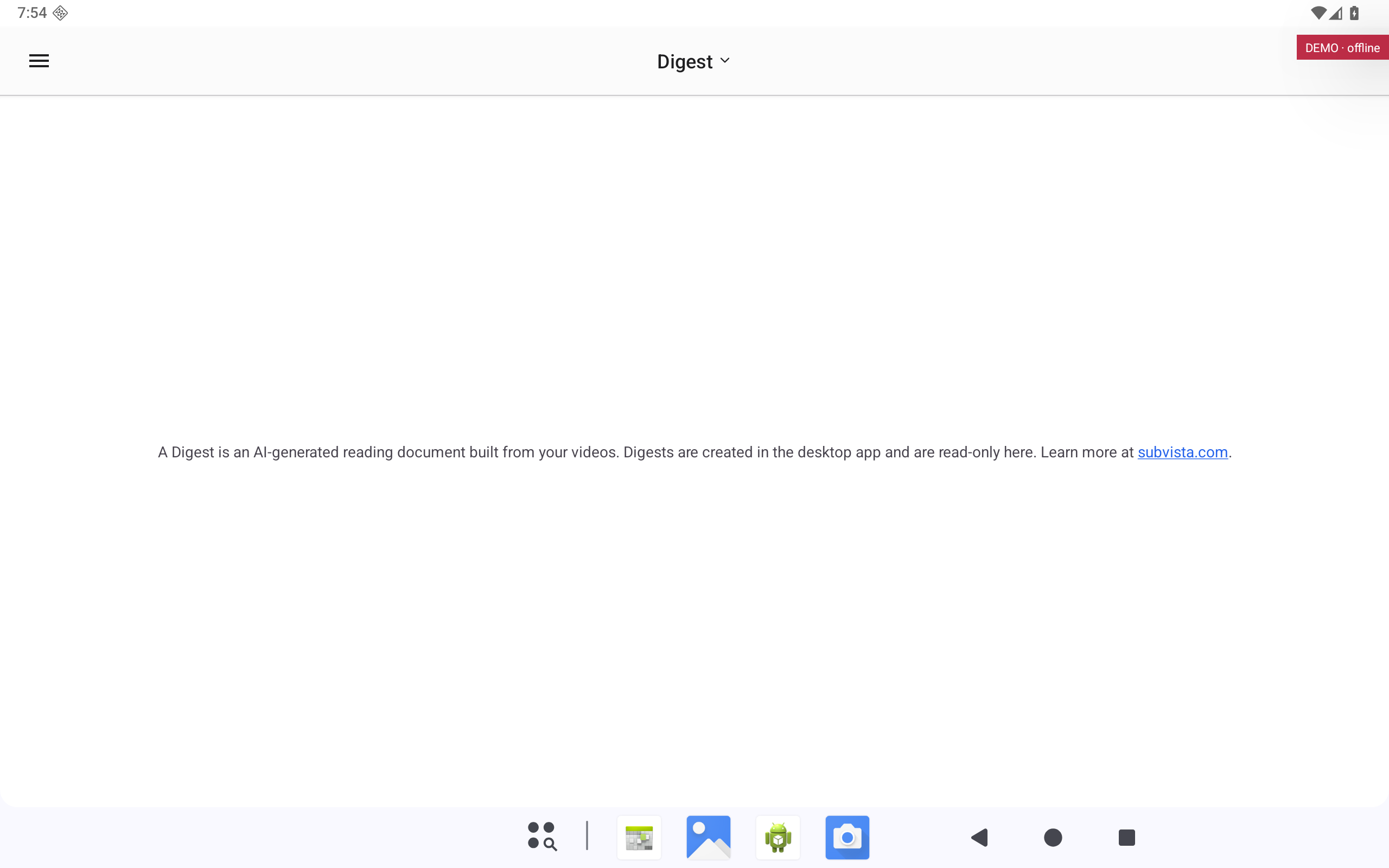
AI-written reading documents made from your videos. They are created in the desktop app and are read-only on phones and tablets.
Leads to: YouTube (Android tablet)
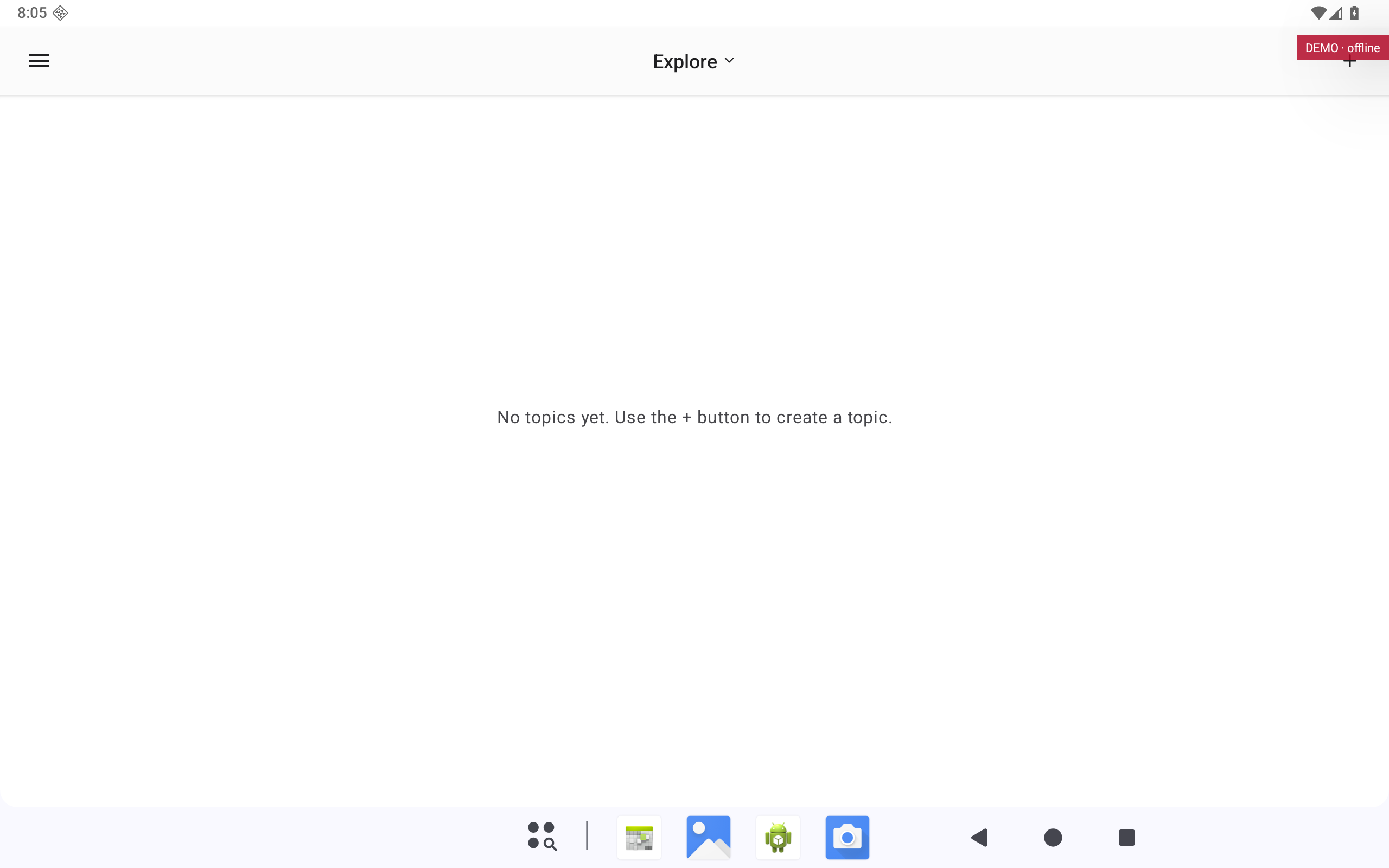
Topics you follow to discover new channels and videos. Use the + button to add a topic.
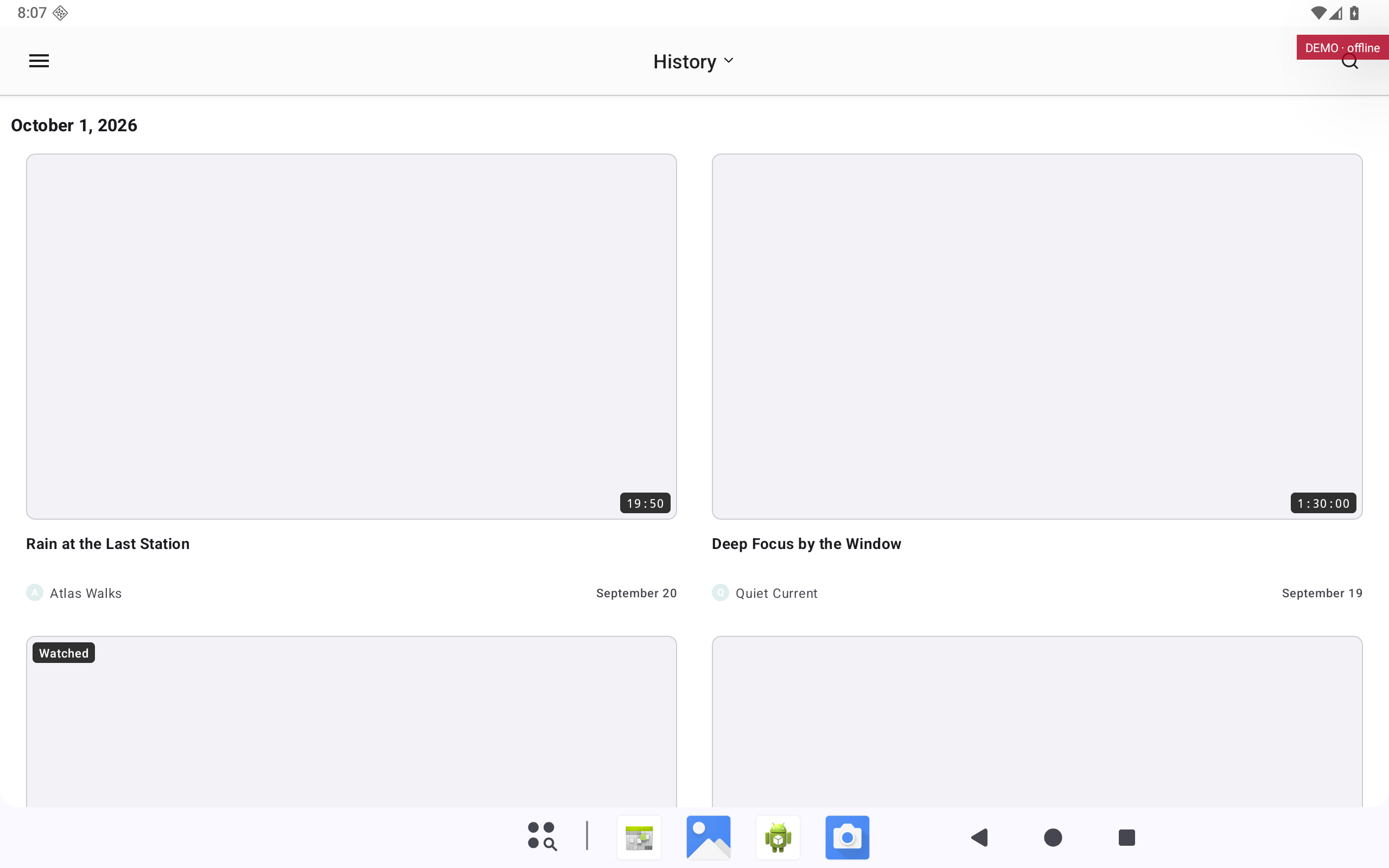
The videos you watched recently, newest first.
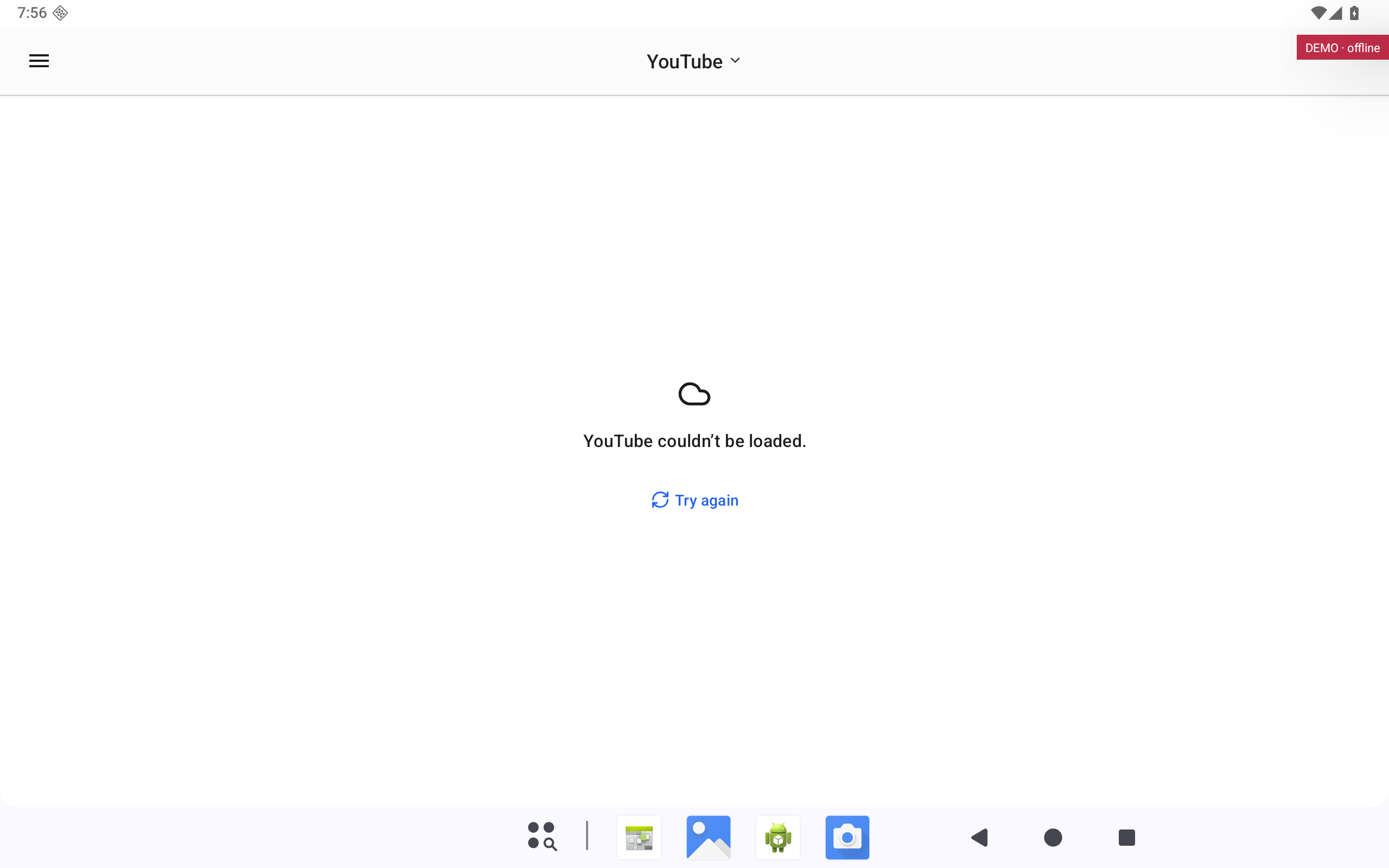
Browse YouTube itself inside Subvista.
Leads to: Settings · Appearance (Android tablet)
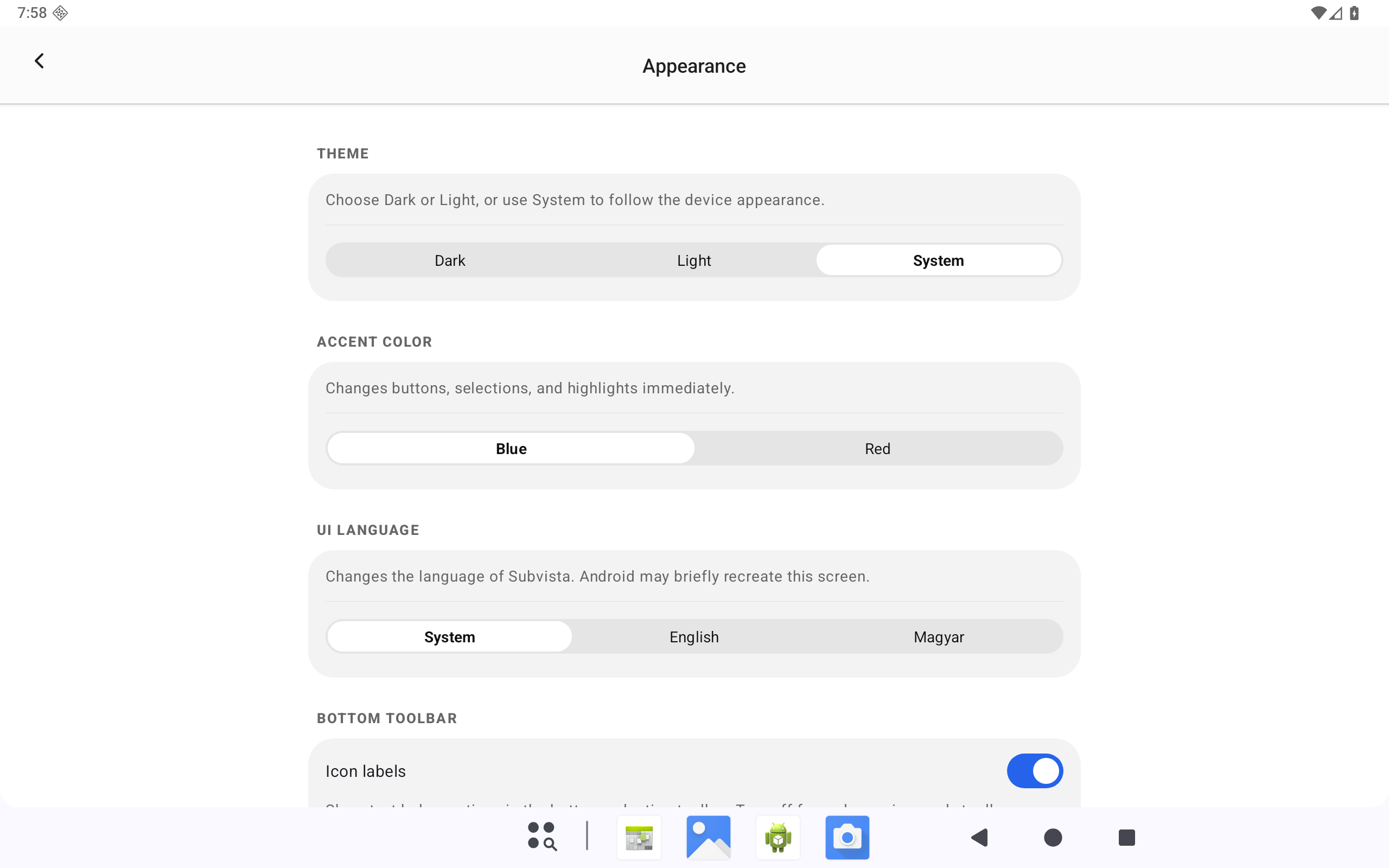
Theme (dark, light or system), accent colour, the language of the app and icon labels.
Desktop · 1 of 40 · full size
The channels you follow, grouped in folders. Pick a channel or folder to see its videos.
Desktop · 2 of 40 · full size
The few channels you watch most. Add them from Subscriptions; the widget counts their unwatched videos.
Desktop · 4 of 40 · full size
AI-written reading documents made from your videos. They are created in the desktop app and are read-only on phones and tablets.
Desktop · 5 of 40 · full size
Topics you follow to discover new channels and videos. Use the + button to add a topic.
Desktop · 8 of 40 · full size
Theme (dark, light or system), accent colour, the language of the app and icon labels.
iPhone · 9 of 40 · full size
The channels you follow, grouped in folders. Pick a channel or folder to see its videos.
iPhone · 10 of 40 · full size
The few channels you watch most. Add them from Subscriptions; the widget counts their unwatched videos.
iPhone · 11 of 40 · full size
Your playlists. Pick one to see and play its videos.
Leads to: Explore (iPhone)
iPhone · 12 of 40 · full size
AI-written reading documents made from your videos. They are created in the desktop app and are read-only on phones and tablets.
Leads to: Subscriptions (iPhone)
iPhone · 13 of 40 · full size
Topics you follow to discover new channels and videos. Use the + button to add a topic.
Leads to: History (iPhone)
iPhone · 15 of 40 · full size
Browse YouTube itself inside Subvista.
Leads to: Settings · Appearance (iPhone)
iPhone · 16 of 40 · full size
Theme (dark, light or system), accent colour, the language of the app and icon labels.
Leads to: Digest (iPhone)
iPad · 17 of 40 · full size
The channels you follow, grouped in folders. Pick a channel or folder to see its videos.
Leads to: Playlists (iPad)
iPad · 18 of 40 · full size
The few channels you watch most. Add them from Subscriptions; the widget counts their unwatched videos.
Leads to: Digest (iPad)
iPad · 19 of 40 · full size
Your playlists. Pick one to see and play its videos.
Leads to: Explore (iPad)
iPad · 20 of 40 · full size
AI-written reading documents made from your videos. They are created in the desktop app and are read-only on phones and tablets.
Leads to: History (iPad)
iPad · 21 of 40 · full size
Topics you follow to discover new channels and videos. Use the + button to add a topic.
Leads to: YouTube (iPad)
iPad · 22 of 40 · full size
The videos you watched recently, newest first.
Leads to: Settings · Appearance (iPad)
iPad · 24 of 40 · full size
Theme (dark, light or system), accent colour, the language of the app and icon labels.
Android phone · 25 of 40 · full size
The channels you follow, grouped in folders. Pick a channel or folder to see its videos.
Leads to: Focus (Android phone)
Android phone · 26 of 40 · full size
The few channels you watch most. Add them from Subscriptions; the widget counts their unwatched videos.
Android phone · 27 of 40 · full size
Your playlists. Pick one to see and play its videos.
Leads to: Explore (Android phone)
Android phone · 28 of 40 · full size
AI-written reading documents made from your videos. They are created in the desktop app and are read-only on phones and tablets.
Android phone · 29 of 40 · full size
Topics you follow to discover new channels and videos. Use the + button to add a topic.
Android phone · 32 of 40 · full size
Theme (dark, light or system), accent colour, the language of the app and icon labels.
Leads to: Digest (Android phone)
Android tablet · 33 of 40 · full size
The channels you follow, grouped in folders. Pick a channel or folder to see its videos.
Leads to: History (Android tablet)
Android tablet · 34 of 40 · full size
The few channels you watch most. Add them from Subscriptions; the widget counts their unwatched videos.
Leads to: Digest (Android tablet)
Android tablet · 35 of 40 · full size
Your playlists. Pick one to see and play its videos.
Android tablet · 36 of 40 · full size
AI-written reading documents made from your videos. They are created in the desktop app and are read-only on phones and tablets.
Leads to: YouTube (Android tablet)
Android tablet · 37 of 40 · full size
Topics you follow to discover new channels and videos. Use the + button to add a topic.
Android tablet · 39 of 40 · full size
Browse YouTube itself inside Subvista.
Leads to: Settings · Appearance (Android tablet)